

“SonarPen 2 to iPad adapter” has been added to your cart. View cart
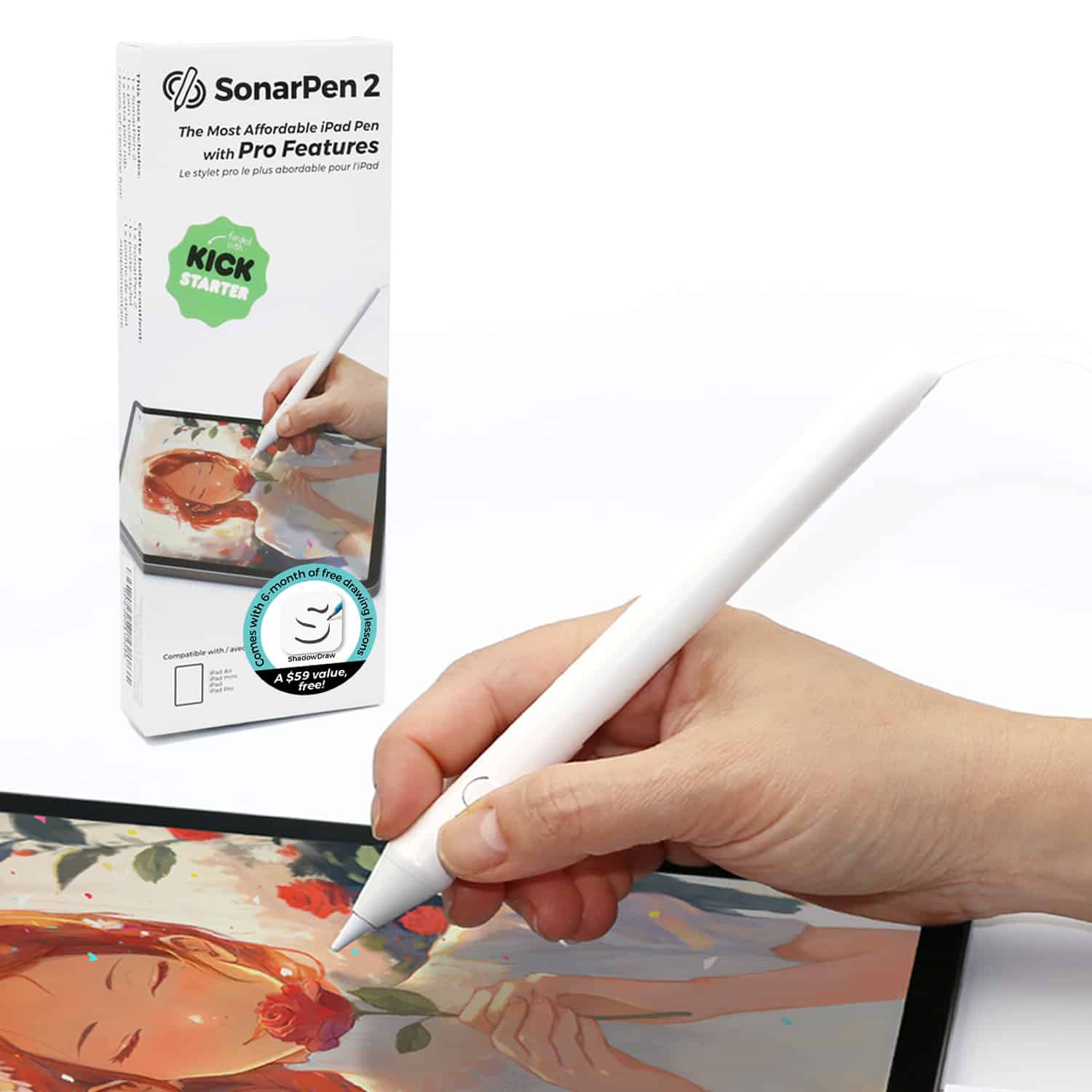
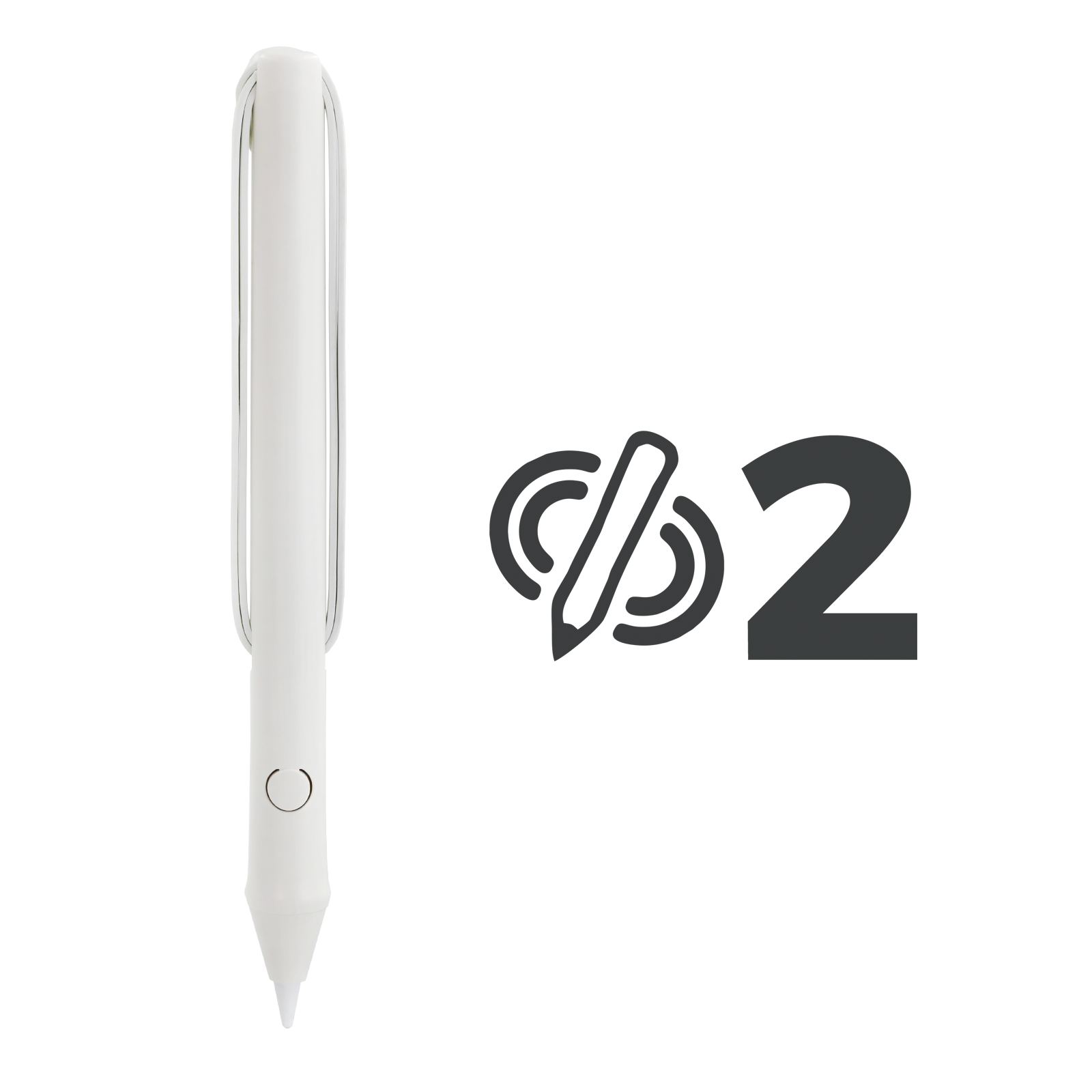
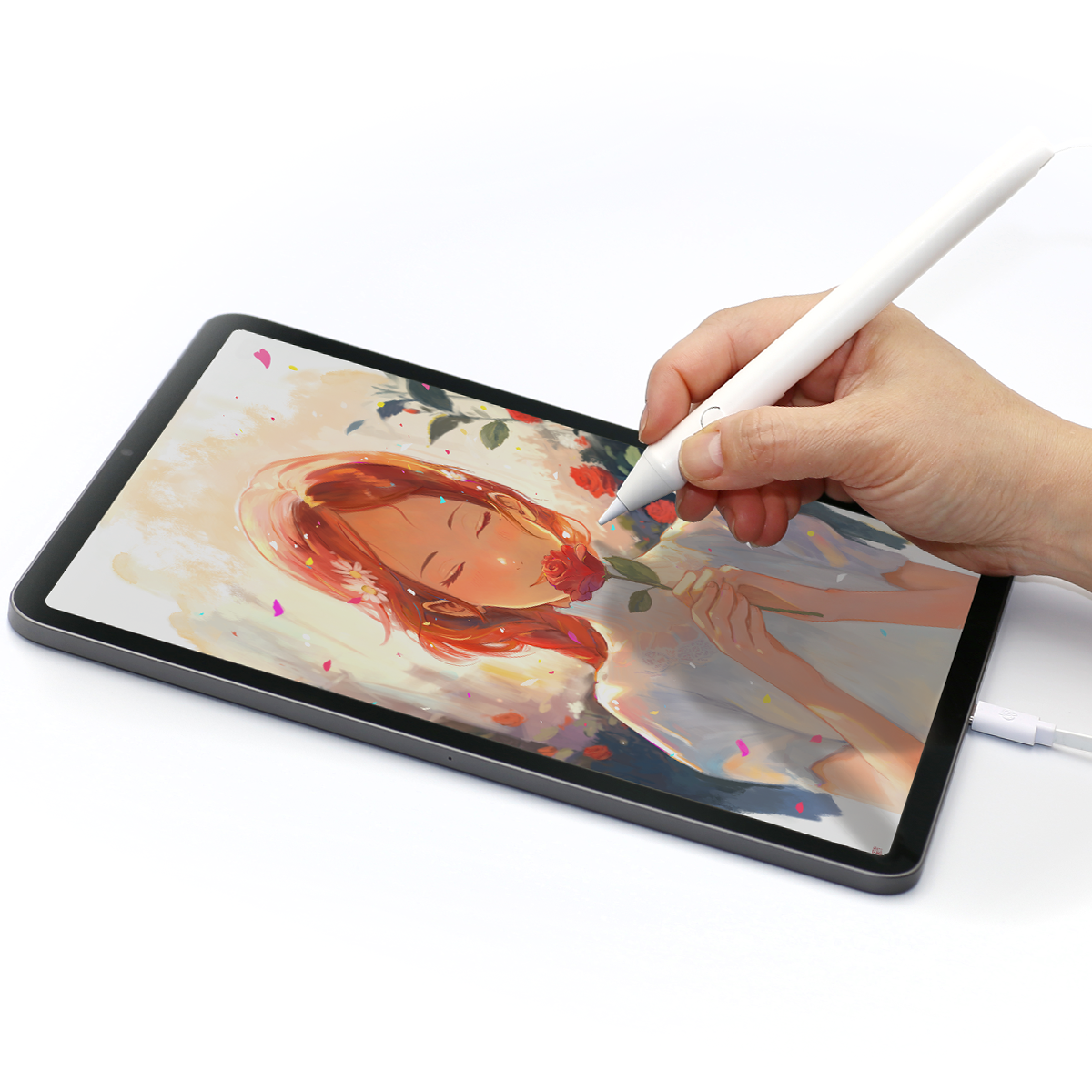

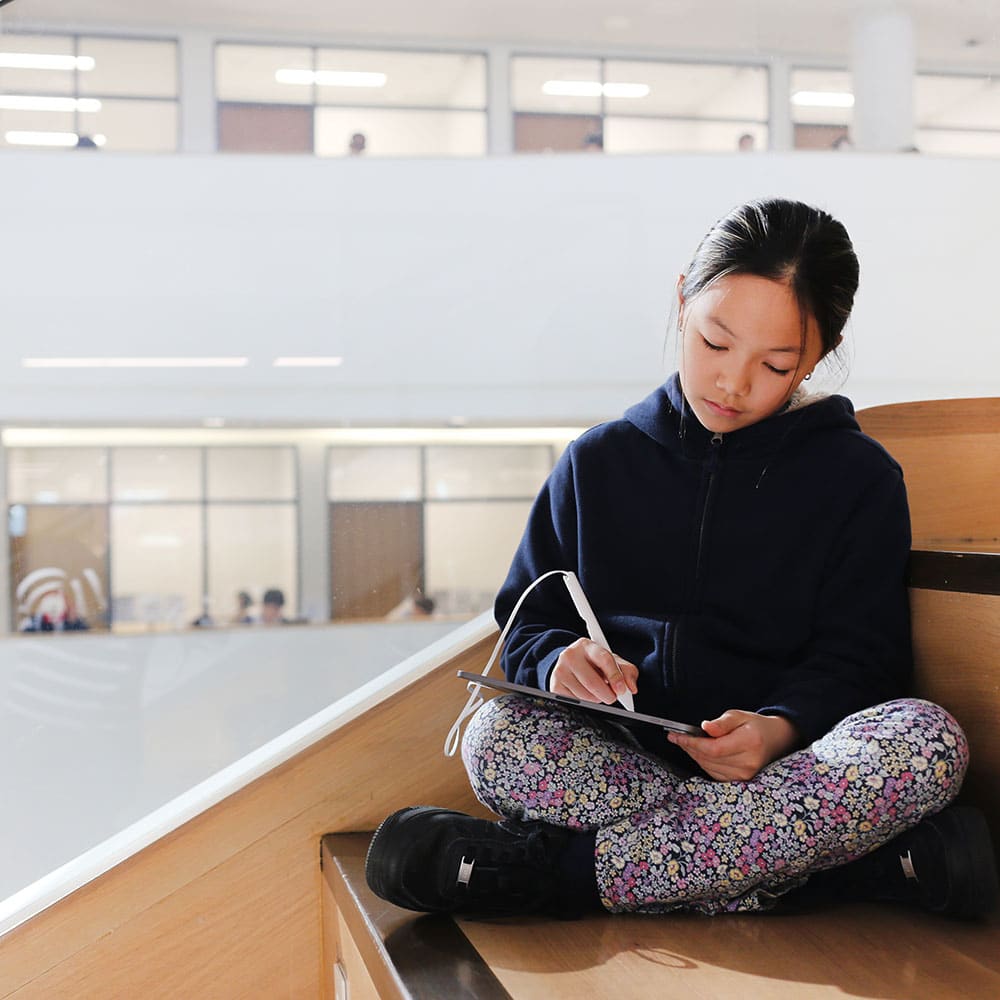
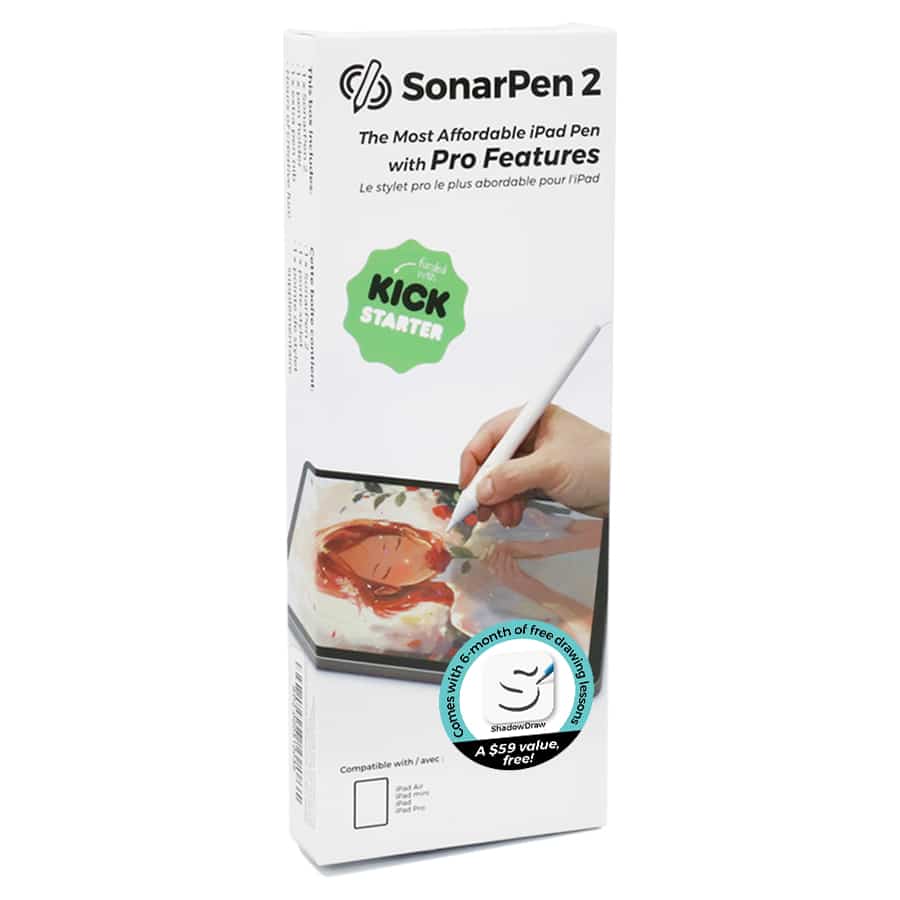
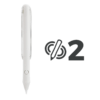
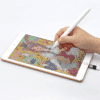
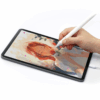


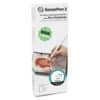
SonarPen 2 Pressure-Sensitive Stylus for iPad – Battery-Free Drawing Pen
US$ 45.00
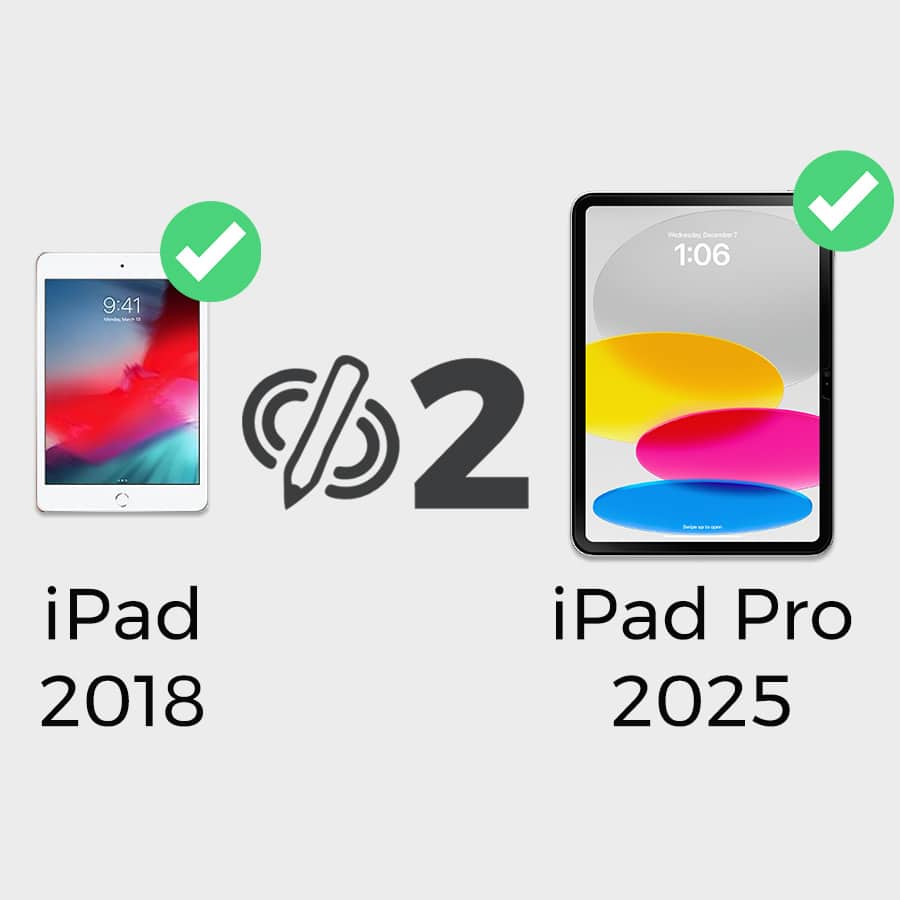
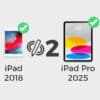
Battery-free pressure-sensitive stylus for iPads released in 2018 or later.
- No charging or Bluetooth pairing
- Palm rejection & tilt detection
- Pressure sensitivity & shortcut button in supported apps
- 6 months of ShadowDraw included — US$59 value
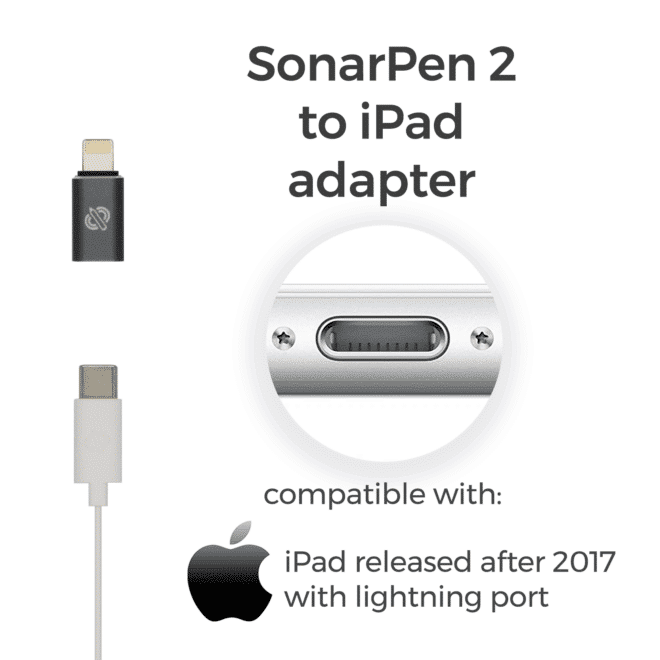
- USB-C: plug in directly.
Lightning: official SonarPen 2 adapter required. - Check compatible iPad models
- See SonarPen 2 supported apps
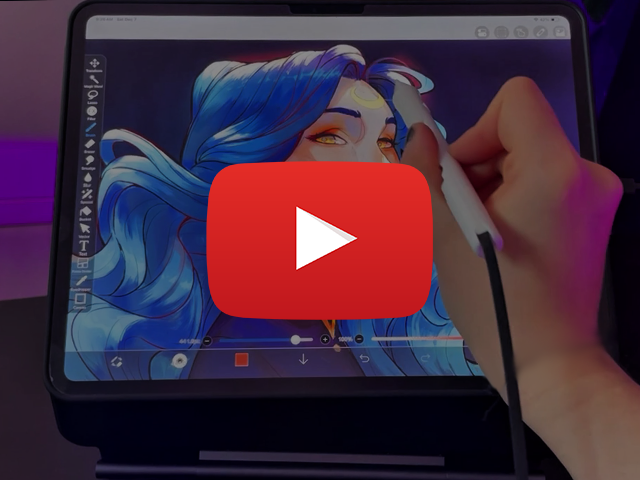
Professional artist ChrissaBug:
It’s the perfect time to get the SonarPen 2.
In stock
Product Description
Draw and take notes with pressure sensitivity—without charging a battery
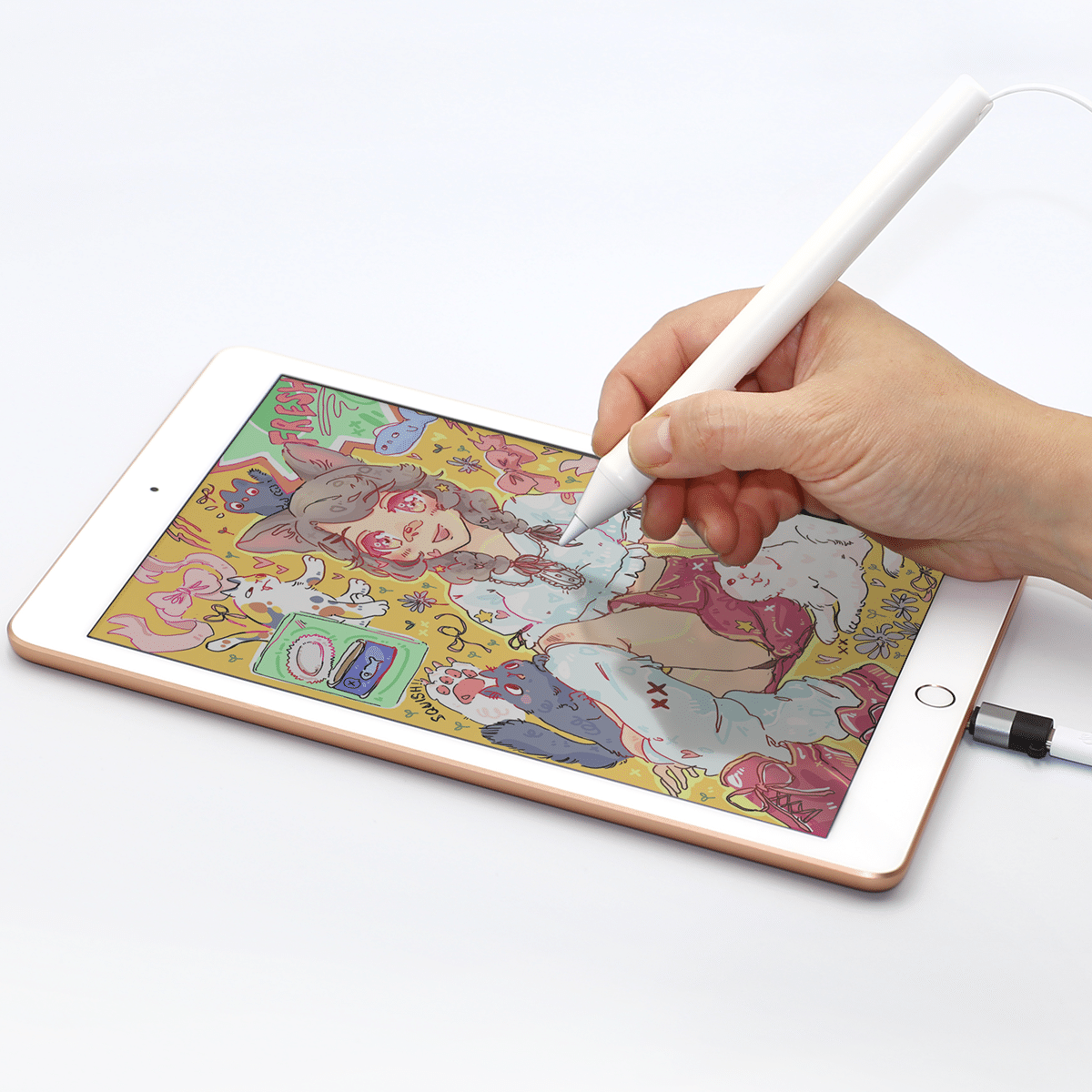
SonarPen 2 turns supported iPads released in 2018 or later into a more expressive drawing and note-taking tool. It plugs into the iPad and requires no battery, charging or Bluetooth pairing.
SonarPen 2 provides palm rejection and tilt angle detection across iPad apps. Pressure sensitivity and the customizable shortcut button are available in SonarPen 2 supported apps.
Features
- 👍 Pixel-perfect precision
- 🏃 Low latency
- ✋ Palm rejection
- ✏️ Tilt angle detection
- 🩸 Pressure sensitivity in supported apps
- 🔘 Customizable shortcut button in supported apps
- 🔌 No battery or charging required. No Bluetooth pairing required
- ✅ Replaceable nib
iPad Compatibility
- USB-C iPads: Plug SonarPen 2 directly into the USB-C port.
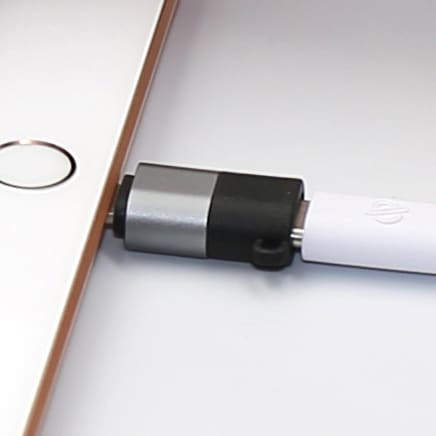
- Lightning iPads released in 2018 or later: The official SonarPen 2 to iPad adapter is required. Adapters from other brands are not supported.
What is included
- SonarPen 2 stylus
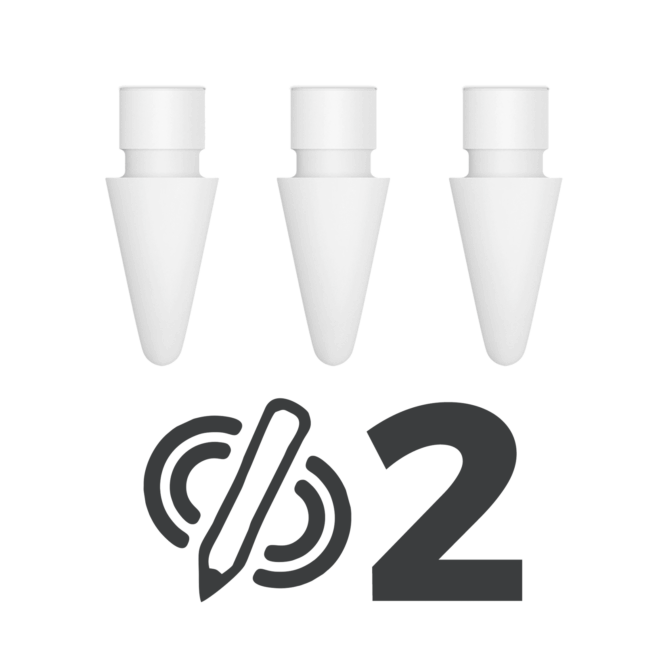
- Installed nib x 1
- Spare nib x 1
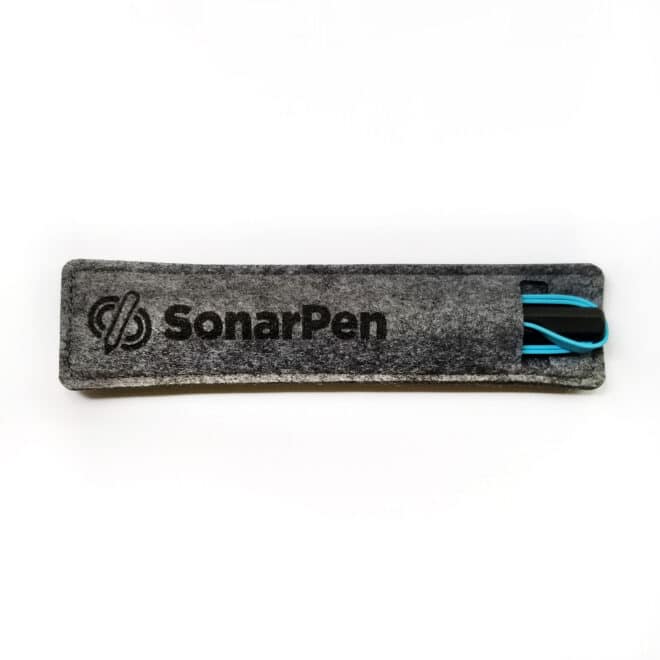
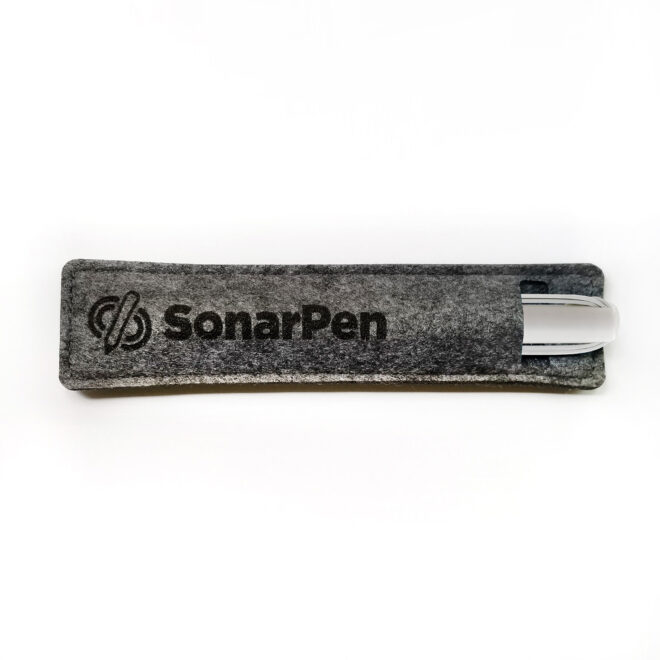
- Pen loop holder
- Instruction sheet
- Six-month ShadowDraw drawing-lesson bundle
Important app information
Pressure sensitivity and shortcut-button functions depend on support from the drawing or note-taking app. In unsupported apps, SonarPen 2 works as a basic touchscreen stylus.
Documents
Additional information
| Weight | 0.10 kg |
|---|---|
| Supporting OS | iOS |
| Connectivity | USB Type-C |
| Cable length | 50 cm |
| Warranty | One-year limited warranty |
| Documents | Manual |
Tyler (verified owner) –
Incredibly happy with my Sonarpen. It’s sharp, responsive, and incredibly easy to set up and use. Very impressed with the customer service. They ask what device you’re planning on using to confirm you’re getting the right product for the right device. I had things mixed up, and they emailed me to offer the correct item and refunded the difference quickly.
Kristine S. (verified owner) –
The SonarPen 2 is incredible! Despite being budget friendly, it works amazingly. Definitely a must-have! Got the SonarPen for Android as well and like the SonarPen 2, it did not disappoint. Customer service is beyond exemplary too. SonarPen and SonarPen 2 are stellar products and definitely will highly recommend!
Connor R Murphy –
Awesome. Works better than some 200 dollar pens!
Anonymous (verified owner) –
使いやすい!太めで個人的に描きやすくて、また購入すると思います!
Olivia (verified owner) –
Overall works well, especially for the price. However, the pen can be uncomfortable to hold, as the slot to fit the USB-C on the pen gets in the way of your grip. This applies if you tend to hold the pen even slightly higher up. The Sonarpen also does not support pressure sensitivity on Procreate, which is a major flaw in my opinion. I owned the first Sonarpen previously, and I do agree that the 2nd version has better a tip to screen contact feel. I had this issue with the first pen, but I still feel like the wrapping of the wire after use feels inconvenient, and also leads to the pen not fitting easily in the leather pen slot. It works, and it’s cheap enough for the flaws to make sense, but there are definitely points to improve. In the future I’d be hesitant to buy a 3rd version, and would likely upgrade to a different stylus.
Anonymous (verified owner) –
This pen is amazing. It opens up opportunities for people who can’t afford the brand pencils. Can not go back to using non-pressure pencils!
Anonymous (verified owner) –
Works great, pressure sensitivity is good and the pen feels great on the screen. The wire is quite annoying though as it easily gets in the way and tangles in itself.
Steve Seideman (verified owner) –
Wish I could use this and wired headphones at the same time. Other than that, this pen is great.
Himari –
TL;DR the pen messes with your audio
My first gen Apple Pencil recently gave out on me and my only options for a replacement were a second gen (has no pressure/angle sensitivity) or an Apple Pencil Pro (not compatible with my iPad). I decided to give the SonarPen2 a try and overall it is really great for drawing! The pen itself is comfy to hold, the cord is the right length to stay out of the way while also not dangling around, and the tip is very accurate to its placement on the screen. I will say that the pressure sensitivity is very different from the Apple Pencil, so if that’s what you’re used to like me then just play around with your drawing app’s settings and practice using the SP2. Now the reason this is only a 4/5 is because this pen really messes up with your audio while it’s plugged in. The way the sensitivity on it works uses the iPad’s audio system, so as far as your device is concerned you have a microphone or headphones plugged in, not a stylus. This makes it impossible to listen to music/watch a show while drawing unless you have a separate device dedicated to it. I also make music on my iPad but it’s really annoying that I can not use the stylus while doing so. It is possible to switch your iPad’s audio output to be your headphones/speakers, but the trade off is you won’t have functional pressure sensitivity with the SP2 and the audio quality will also just sound really crunchy and bad.
MORIN Nicolas (verified owner) –
The SonarPen 2 handling of pressure and tilt feels natural and it expands the range of expressiveness when used with compatible drawing apps. The side switch is also convenient. Not only is it excellent value for money, but it’s also a highly practical stylus.
For disclosure, we received a free SonarPen 2 unit to help us implement support in Zen Brush 3.
Anonymous (verified owner) –
I had unfortunately received a faulty pen that didn’t work properly but after reaching out to the company, I was sent a replacement that had no issues. The customer service was very kind and helpful and got back to me quickly when I reached out.
The pen works very well and feels much more comfortable to hold while drawing than any Apple Pen I’ve used. The wire is long enough to not get in the way when working and hasn’t caused any issues for me thus far. The button is quite stiff unfortunately which makes using it a little tricky but it isn’t a dealbreaker for me personally. The only real con I would give is that the pen is only compatible with specific drawing softwares, meaning it can not be used to its full capacity if used with an unsupported software such as Procreate. Though it can still be used on unsupported softwares, you will lose the ability to use or customize the button and there will be no pen pressure.
Overall, I would say the SonarPen 2 is a wonderful (and much more affordable) option compared to any Apple Pen I’ve used. I would caution only that you may have to learn a new drawing software to use the pen to its fullest extent, unless of course you’re already using one of the supported apps. I look forward to using the SonarPen 2 for many more art pieces in the future and to see what the developers come up with next!
Anonymous (verified owner) –
The pen works well. However, the cord could be longer. A right angle plug would have been nice. Once the cord is unwound, the case is a little uncomfortable to hold while using.
Stephanie Z. (verified owner) –
I’m waiting on Medibang to update their drivers for the iOS app, which is what I bought this for, but so far it really is a very good stylus! I do wish the cord was longer, but otherwise it’s lightweight and feels really good to use! Glad I got one!
Andy S. (verified owner) –
Exceeds my expectation.
Tik Sum C. (verified owner) –
It would be much better if the cable were a bit longer. At present, it’s only one centimetre longer than the previous version, which doesn’t seem quite sufficient.