

SonarPen / (USB C) compatible devices:




SonarPen 2 compatible devices:

SonarPen / SonarPen (USB C) compatible devices:
SonarPen 2 compatible devices:
All Apple devices running iOS / iPadOS 8 or newer are compatible with SonarPen.
Devices |
Compatible SonarPen model |
|||
|---|---|---|---|---|
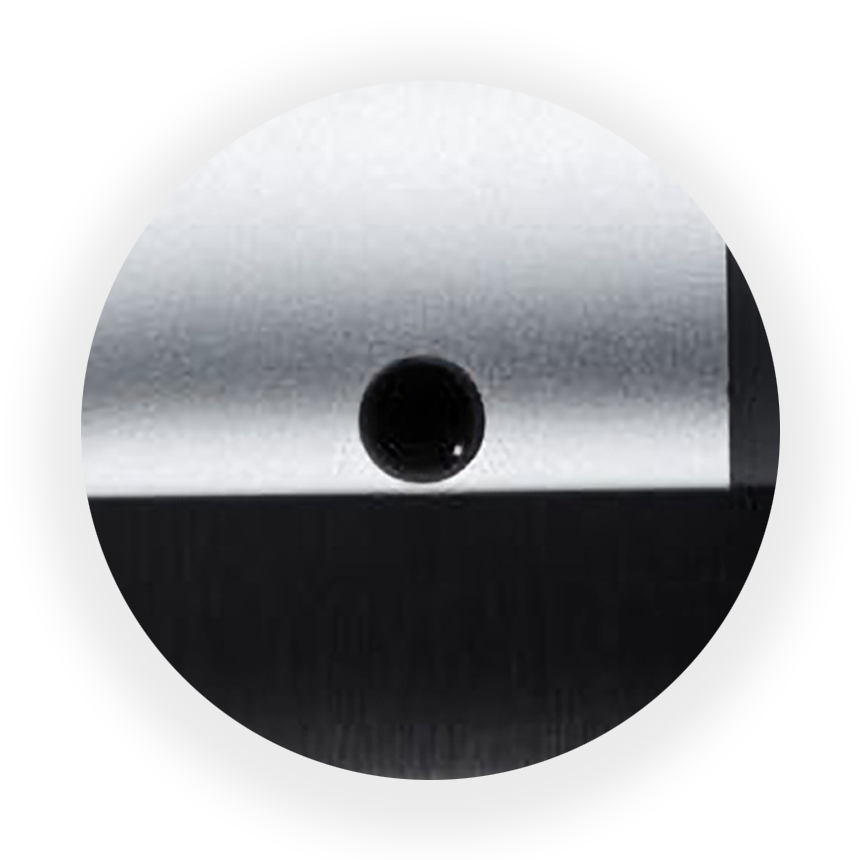 iPad (Mini, Air, Pro) with 3.5mm audio port |
 SonarPen |
|||
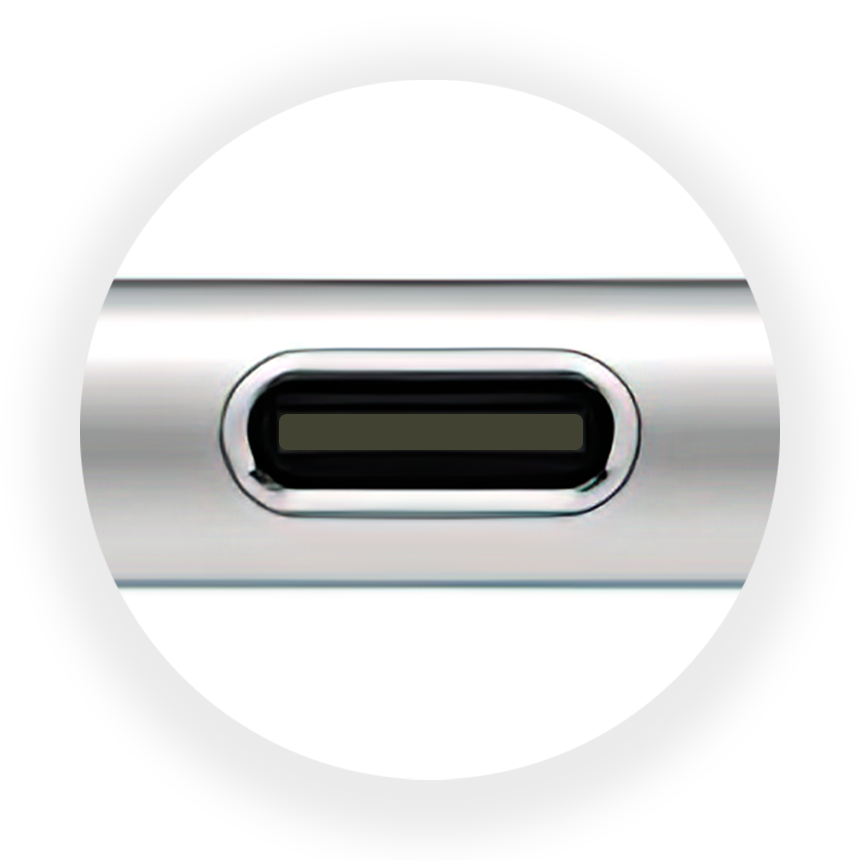 iPhone 15, iPad (Mini, Air or Pro) with USB C port only |
|
|||
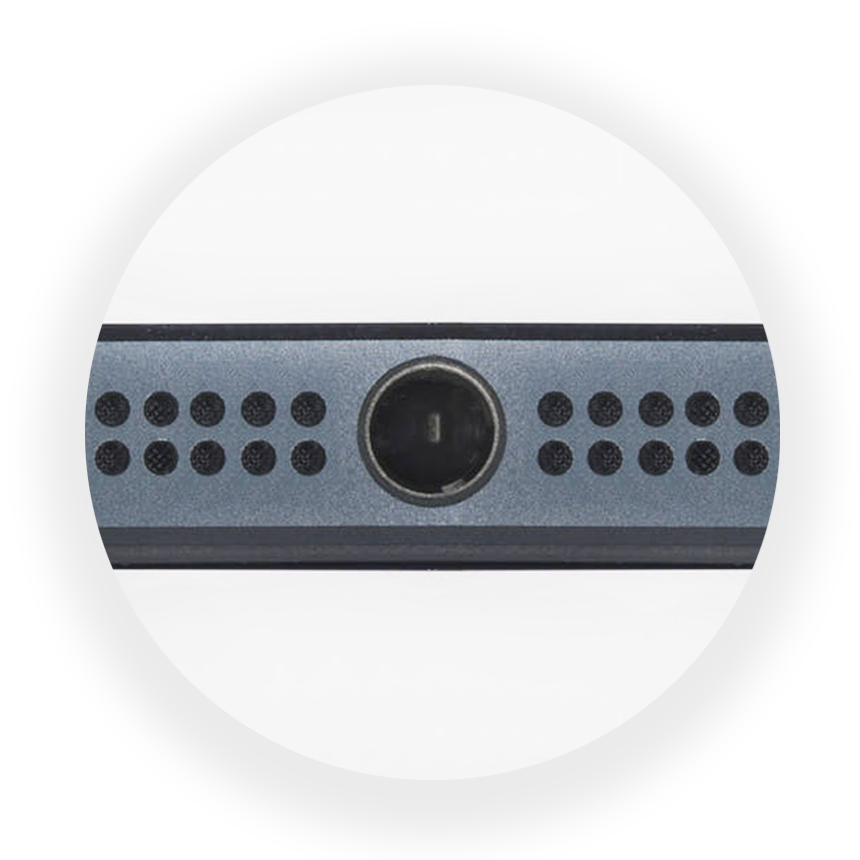 iPhone & iPod Touch with 3.5mm audio port |
SonarPen |
|||
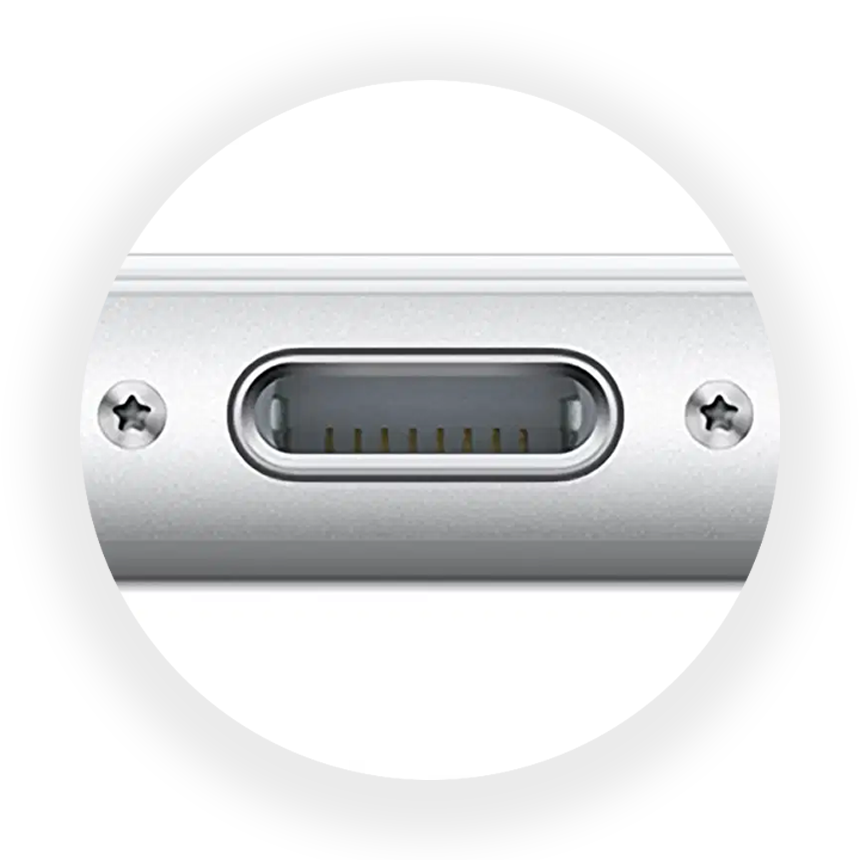 iPhone 7- 14 with Lightning port only |
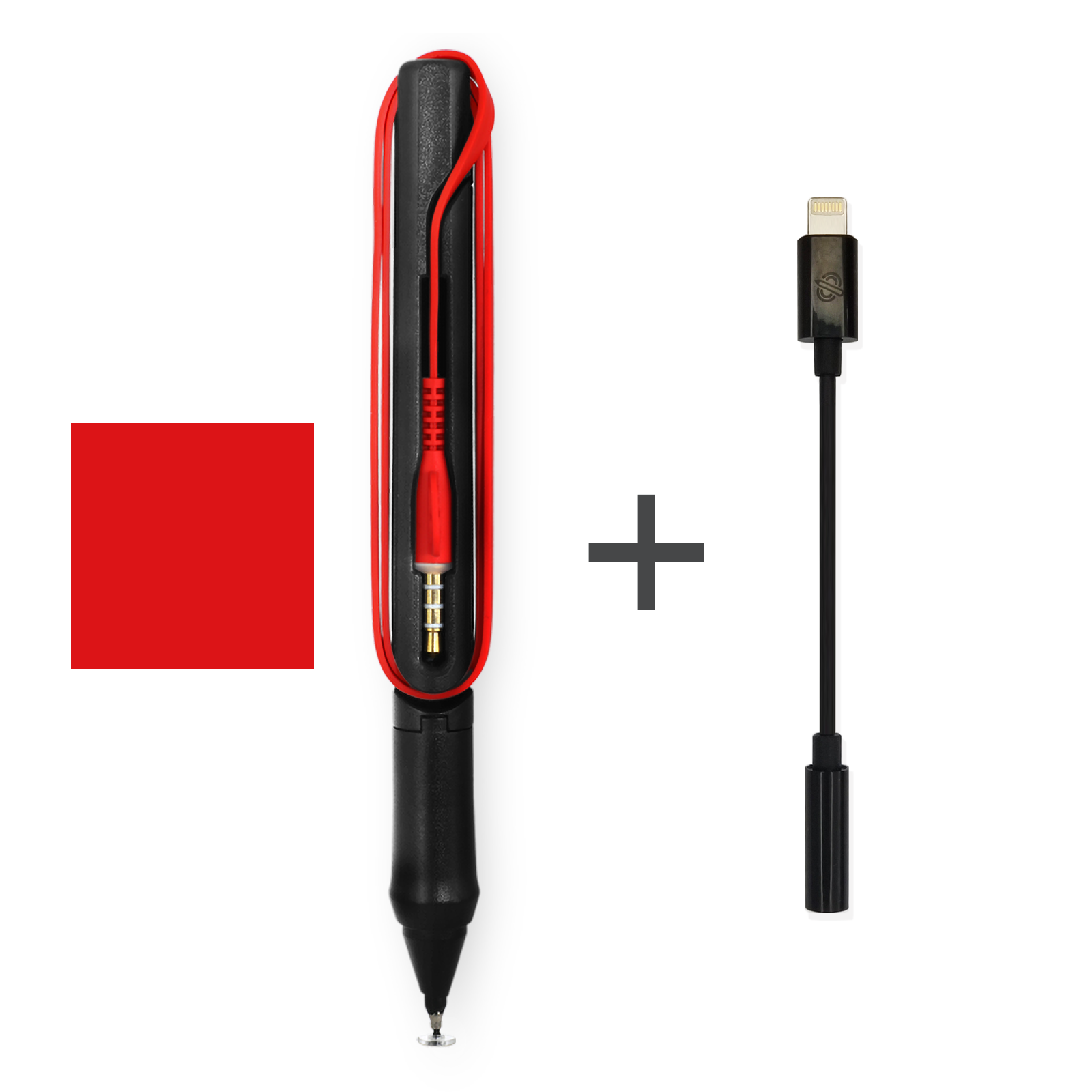 SonarPen + SonarPen Lightning adatper |
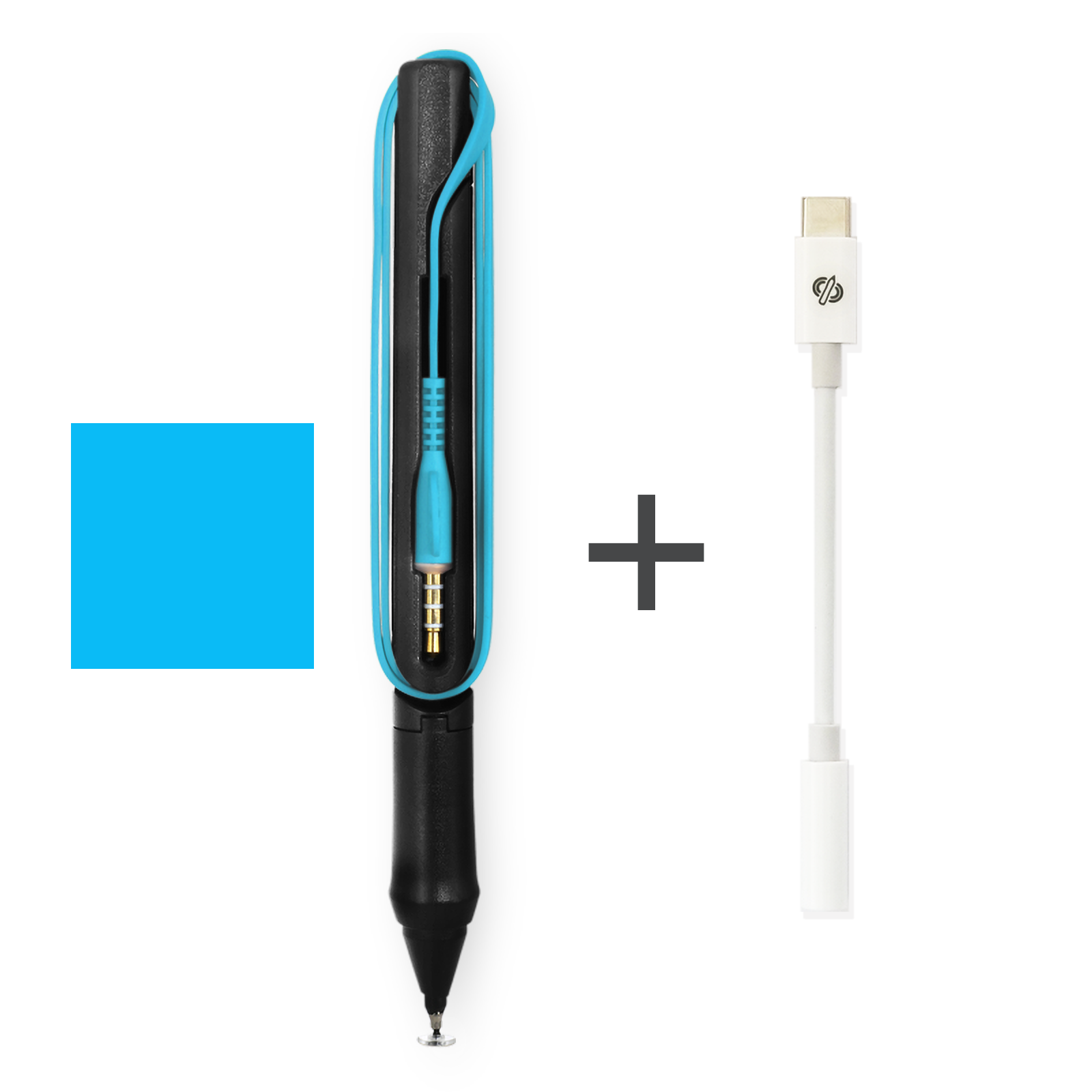
All Apple devices running iOS / iPadOS 8 or newer are compatible with SonarPen.
Devices |
Compatible SonarPen |
|||
|---|---|---|---|---|
iPad (Mini, Air, Pro) with 3.5mm audio port |
SonarPen |
|||
iPhone 15, iPad (Mini, Air or Pro) with USB C port only |
|
|||
iPhone & iPod Touch with 3.5mm audio port |
SonarPen |
|||
iPhone 7-14 with Lightning port only |
SonarPen + SonarPen Lightning adatper |
Android phones and tablets run Android OS 4.4 or newer, are compatible with SonarPen.
Devices |
Compatible SonarPen model |
|||
|---|---|---|---|---|
Phone and Tablet with USB C port only |
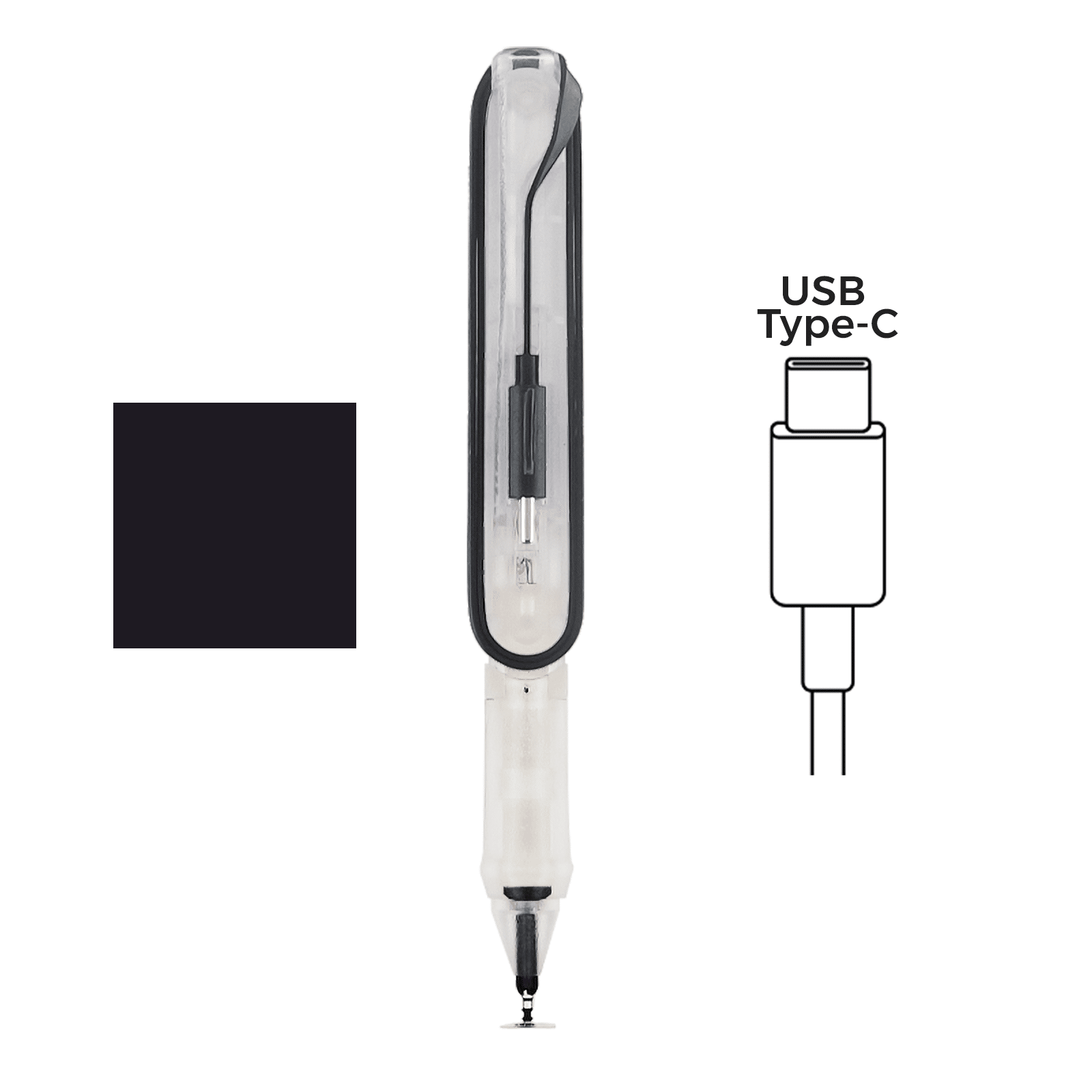 SonarPen (USB C) |
|||
Phone and Tablet with USB C port & 3.5mm audio port Released before 2020 |
SonarPen |
|||
Phone and Tablet with USB C port & 3.5mm audio port Released on 2020 |
|
|||
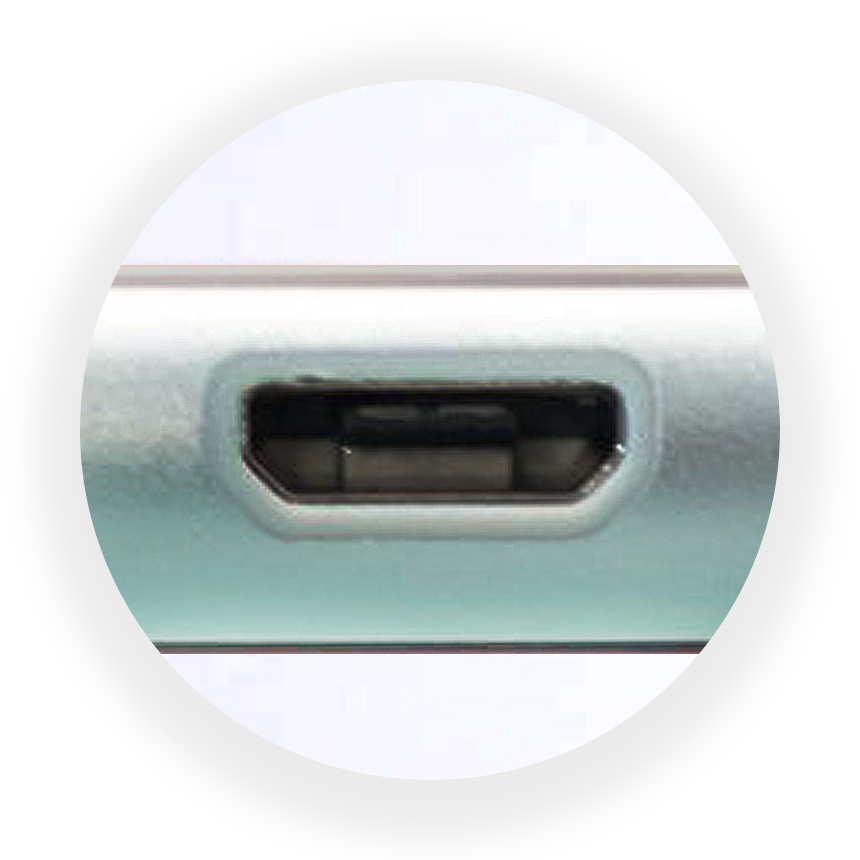 Phone and Tablet with 3.5mm audio port & Micro USB port |
SonarPen |
Check your Android phone compatibility with the SonarPen Calibrate app

1. Download SonarPen Calibrate app to your Android devcie.

2. Run the app and click Calibrate SonarPen to begin.

3. If the app shows Your device is compatible with SonarPen, congratulation! your device has been tested and is compatible with the SonarPen.
**Send us a message if your device has no compatible report yet.
Download SonarPen Calibrate app from the Google Play store
Android phones and tablets run Android OS 4.4 or newer, are compatible with SonarPen.
Devices |
Compatible SonarPen |
|||
|---|---|---|---|---|
Phone and Tablet with USB C port only |
SonarPen (USB C) |
|||
Phone and Tablet with USB C port & 3.5mm audio port Released before 2020 |
SonarPen |
|||
Phone and Tablet with USB C port & 3.5mm audio port Released on 2020 or later |
|
|||
Phone and Tablet with 3.5mm audio port & Micro USB port |
SonarPen |
Check your Android phone compatibility with the SonarPen Calibrate app
1. Download SonarPen Calibrate app to your Android devcie.
2. Run the app and click Calibrate SonarPen to begin.
3. If the app shows Your device is compatible with SonarPen, congratulation! your device has been tested and is compatible with the SonarPen.
**Send us a message if your device has no compatible report yet.
Download SonarPen Calibrate app from the Google Play store
Chromebook equipped with Touchscreen and Google Play Store are generally compatible with the SonarPen.
To ensure 100% compatibility, use of SonarPen USB C adapter for connection is highly recommended or use a SonarPen (USB C) stylus with your Chromebook.
| or | | + | 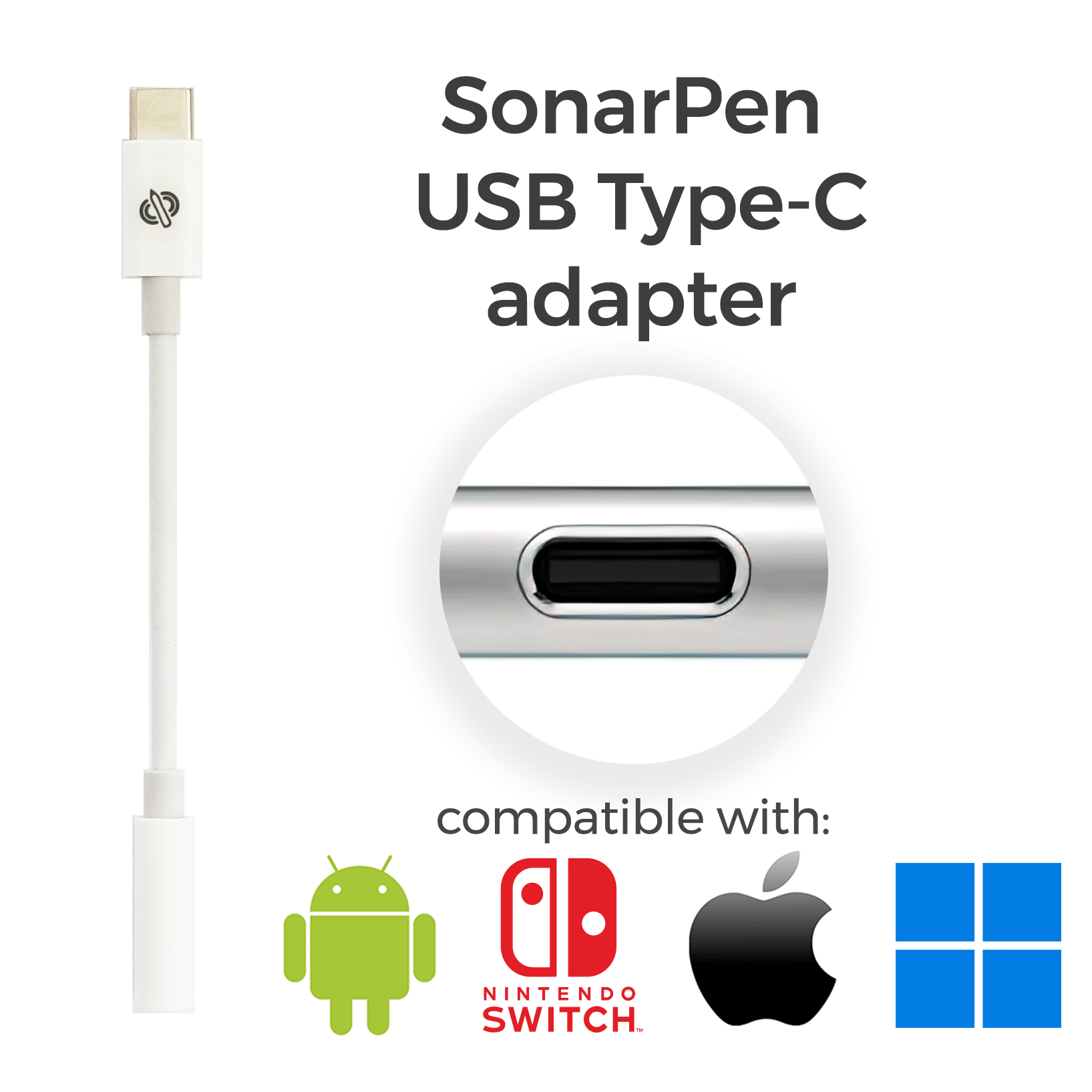 |
|---|
Check your Chromebook compatibility using the SonarPen Calibrate app

1. Download SonarPen Calibrate app to your Chromebook.

2. Run the app and click Calibrate SonarPen to begin.

3. If the app shows Your device is compatible with SonarPen, congratulation! your chromebook has been tested and is compatible with the SonarPen.
Download SonarPen Calibrate app from the Google Play store
Chromebook equipped with Touchscreen and Google Play Store are generally compatible with the SonarPen.
To ensure 100% compatibility, use of SonarPen USB C adapter for connection is highly recommended or use a SonarPen (USB C) stylus with your Chromebook.
| or | | + | |
|---|
Check your Chromebook compatibility using the SonarPen Calibrate app
1. Download SonarPen Calibrate app to your Chromebook.
2. Run the app and click Calibrate SonarPen to begin.
3. If the app shows Your device is compatible with SonarPen, congratulation! your chromebook has been tested and is compatible with the SonarPen.
Download SonarPen Calibrate app from the Google Play store
USB connection is required for SonarPen to works with Windows 10 / 11 notebook and tablet computer. Including computers from HP, Microsoft, Dell, Asus, Lenovo, Acer, LG, Samsung and others manufacturers.
Devices |
Compatible SonarPen model |
|||
|---|---|---|---|---|
Windows notebook or tablet with USB C port |
|
|||
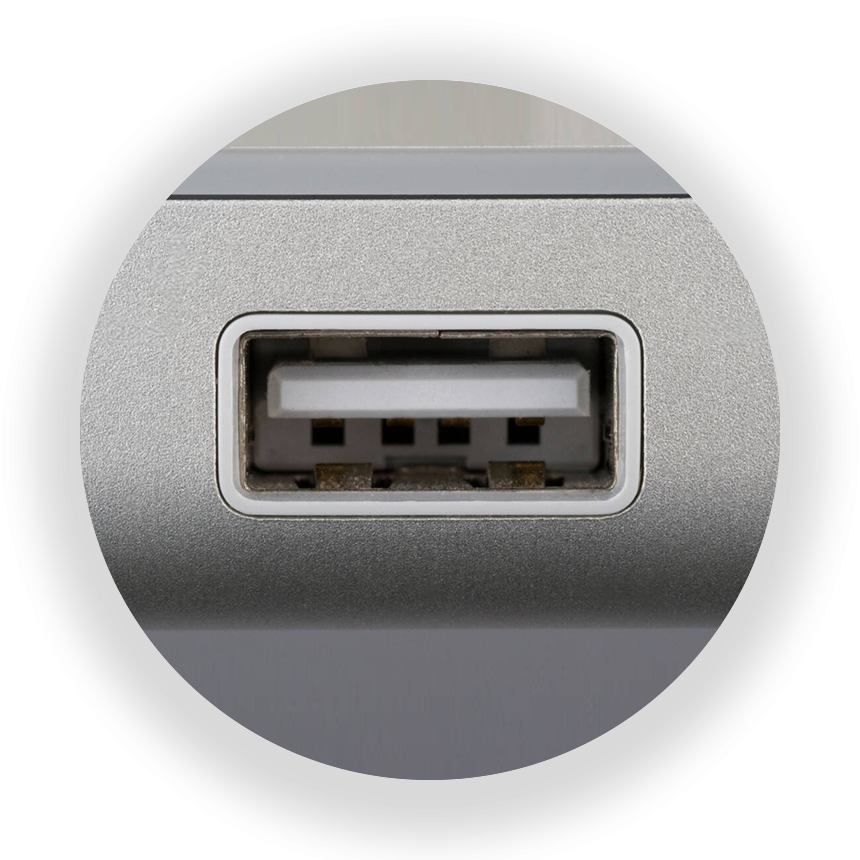 Windows notebook or tablet with USB Type-A port only |
|

Touchscreen or Windows Precision Touchpad is required. To ensure your computer has the necessary hardware, install the free SonarPen Windows Driver and it will detect the needed hardware for you.
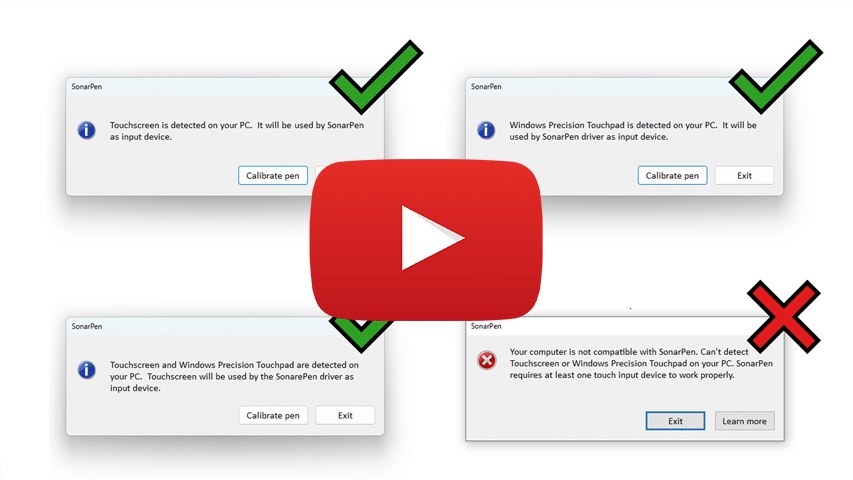 Video shows how to know PC has necessary hardware |

Download the free driver now.
USB connection is required for SonarPen to works with Windows 10 / 11 notebook and tablet computer. including computers from HP, Microsoft, Dell, Asus, Lenovo, Acer, LG, Samsung and others manufacturers.
Devices |
Compatible SonarPen |
|||
|---|---|---|---|---|
Windows notebook or tablet with USB C port |
|
|||
Windows notebook or tablet wtih USB Type-A port only |
|
Touchscreen or Windows Precision Touchpad is required. To ensure your computer has the necessary hardware, install the free SonarPen Windows Driver and it will detect the needed hardware for you.
Video shows how to know PC has necessary hardware
Download the free driver now.
USB connection is required for SonarPen to works with Mac desktop and notebook. Running macOS 11 or newer.
Devices |
Compatible SonarPen model |
|||
|---|---|---|---|---|
Mac computer with USB C port |
|
|||
Mac computer with USB Type-A port only |
|
USB connection is required for SonarPen to works with Mac desktop and notebook. Running macOS 11 or newer.
Devices |
Compatible SonarPen |
|||
|---|---|---|---|---|
Mac computer with USB C port |
|
|||
Mac computer wtih USB Type-A port only |
|
All models of Nintendo Switch (including OG, Lite and OLED) are compatible with SonarPen.
Just get your copy of Colors Live, plug in the SonarPen and draw.
All Apple iPad with USB C port and iPad with Lightning port released after 2017 are compatible with SonarPen 2.
To check the model of your iPad, go to Settings > General > About to find out its model.
Devices |
Compatible SonarPen 2 and adapter |
|||
|---|---|---|---|---|
iPad with USB C port |
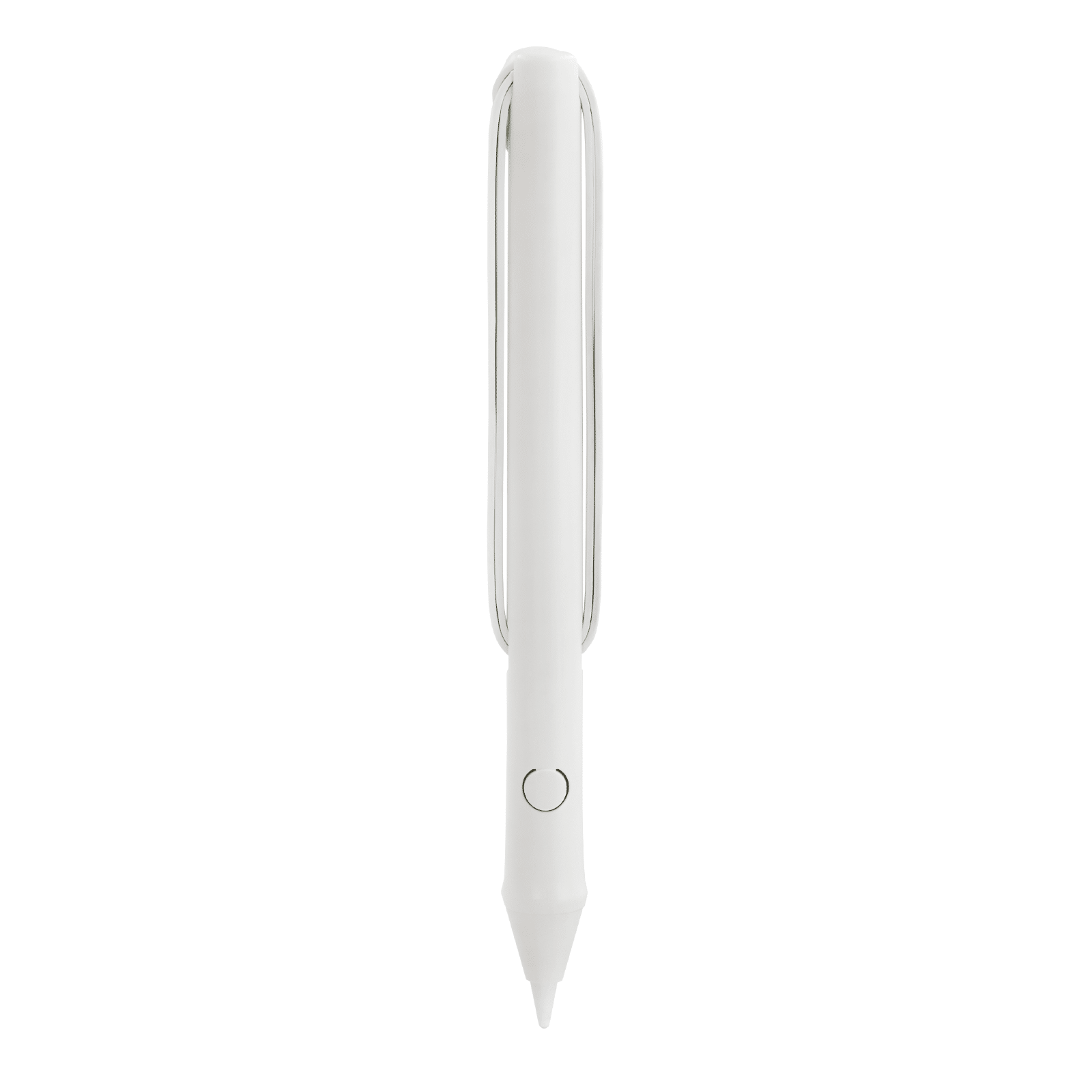 SonarPen 2 | |||
iPad with Lightning port includes: - iPad (6th generation) - iPad Air (3rd generation) - iPad mini (5th generation) - iPad (7th generation) - iPad (8th generation) - iPad (9th generation) |
|
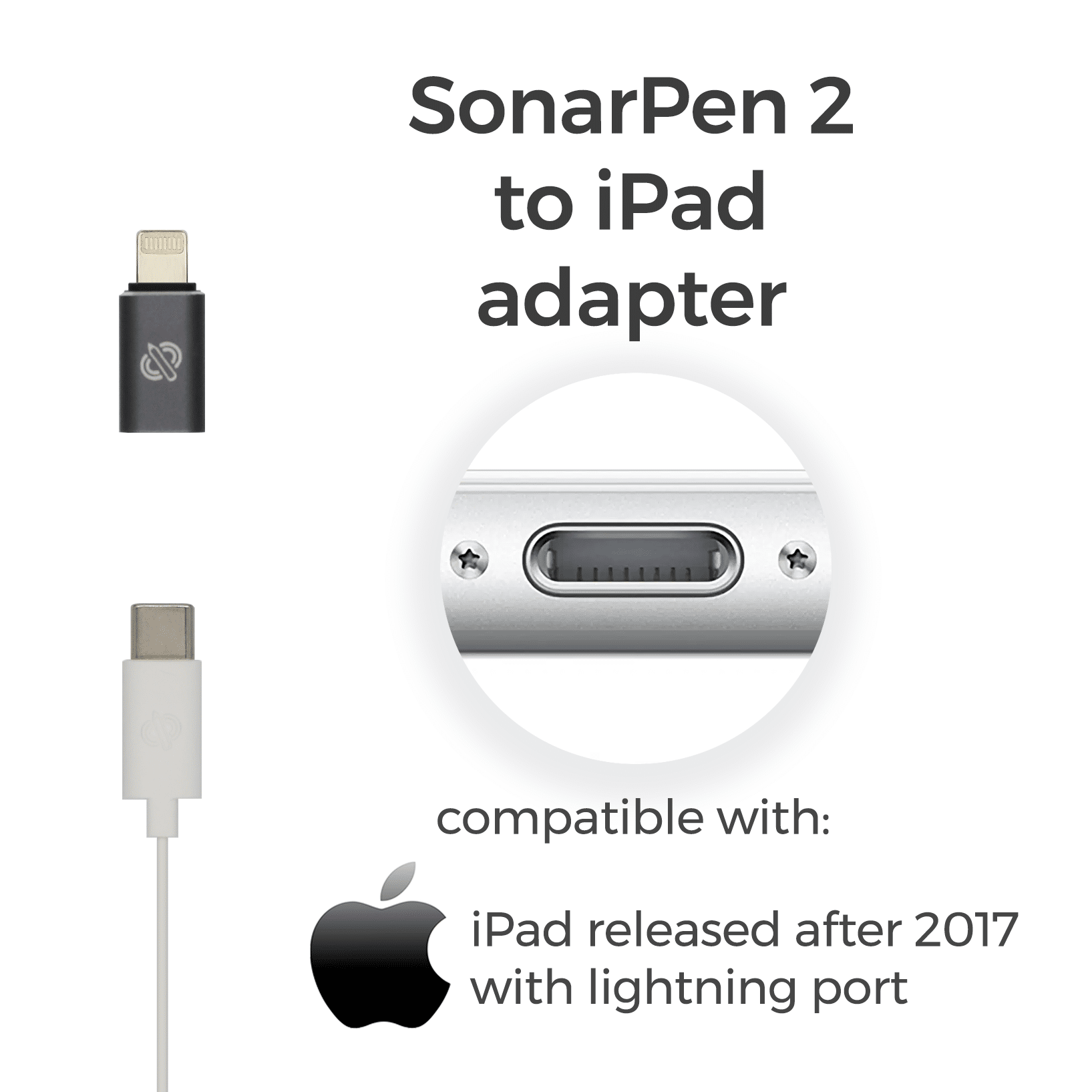
All iPad with USB C port and iPad with Lightning port release after 2017 are compatible with SonarPen 2.
To check the model of your iPad, go to Settings > General > About to find out its model.
Devices |
Compatible SonarPen 2 and adapter |
|||
|---|---|---|---|---|
iPad with USB C port |
SonarPen 2 |
|||
iPad with Lightning port includes: - iPad (6th gen) - iPad Air (3rd) - iPad mini (5th gen) - iPad (7th gen) - iPad (8th gen) - iPad (9th gen) |
|