

SonarPen 2 Pressure-Sensitive iPad Stylus
SonarPen 2
The Most Affordable Pressure-Sensitive iPad Pen
🖍️Pressure sensitive ✋Palm rejection 🔘Shortcut button
🔌No charging
SonarPen 2 The Most Affordable Pressure-Sensitive iPad Pen
🖍️Pressure sensitive ✋Palm rejection
🔘Shortcut button 🔌No charging
Tested and Loved by Professionals around the world
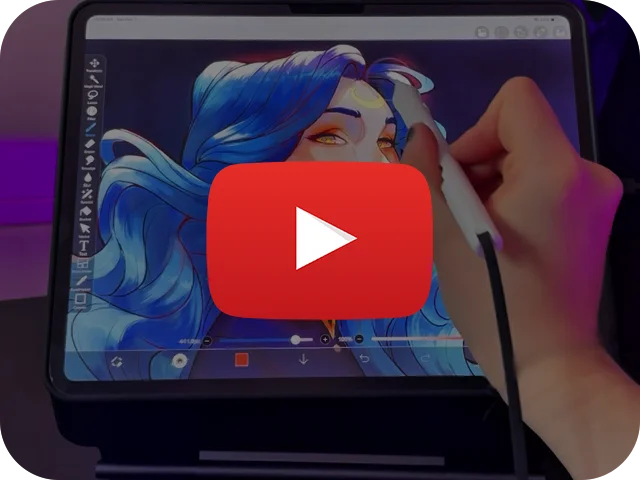
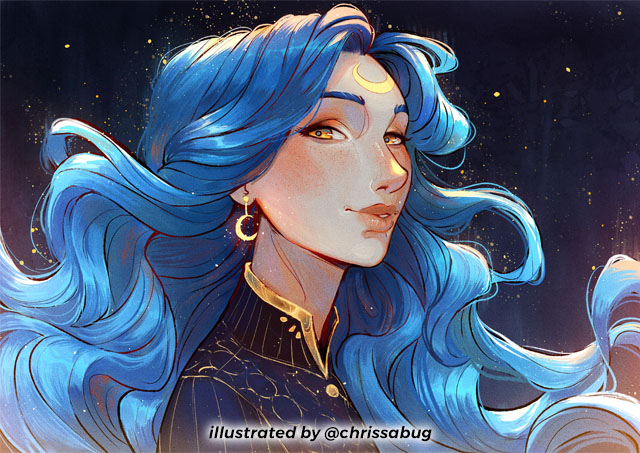
ChrissaBug: It's now the perfect time to get the SonarPen 2
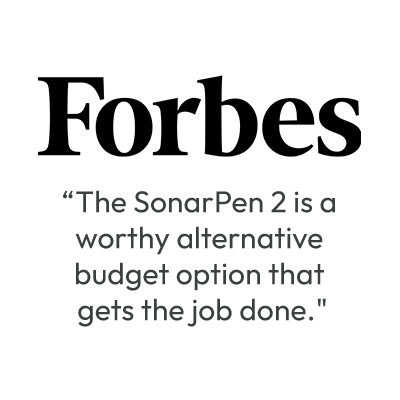
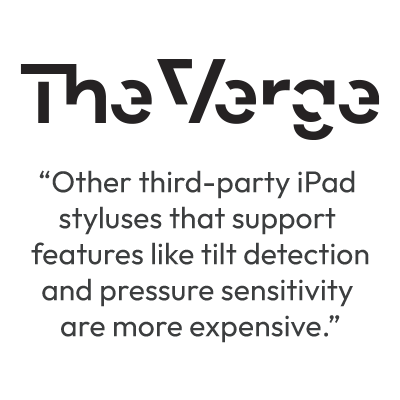


Tested and Loved by Professionals around the world
ChrissaBug: It's now the perfect time to get the SonarPen 2.
Premium features loaded
Affordability without compromise.
SonarPen 2 delivers the premium features creatives rely on, at a fraction of the cost.
Premium features loaded

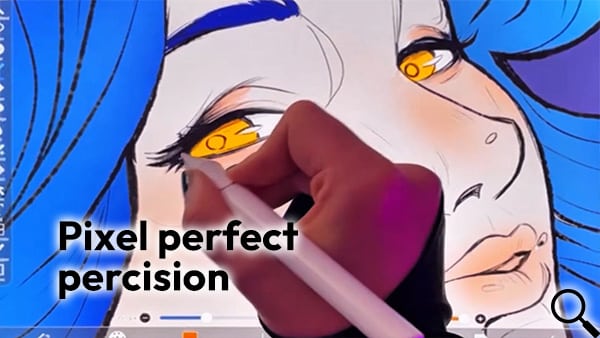
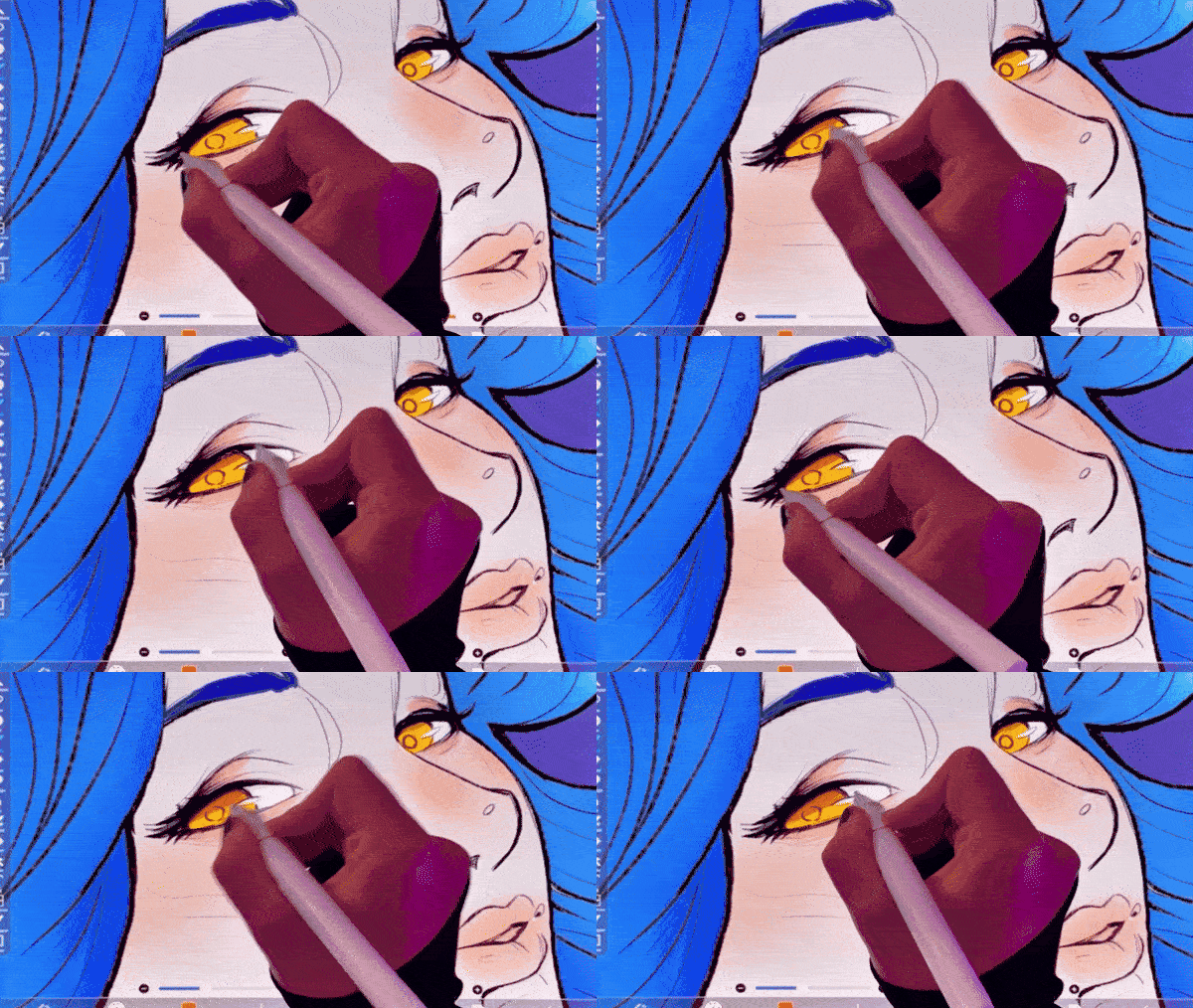
Pixel perfect precision

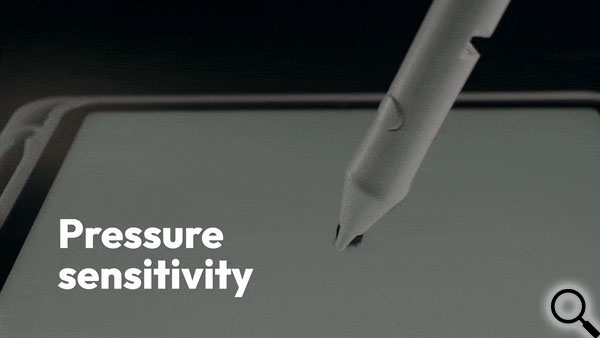
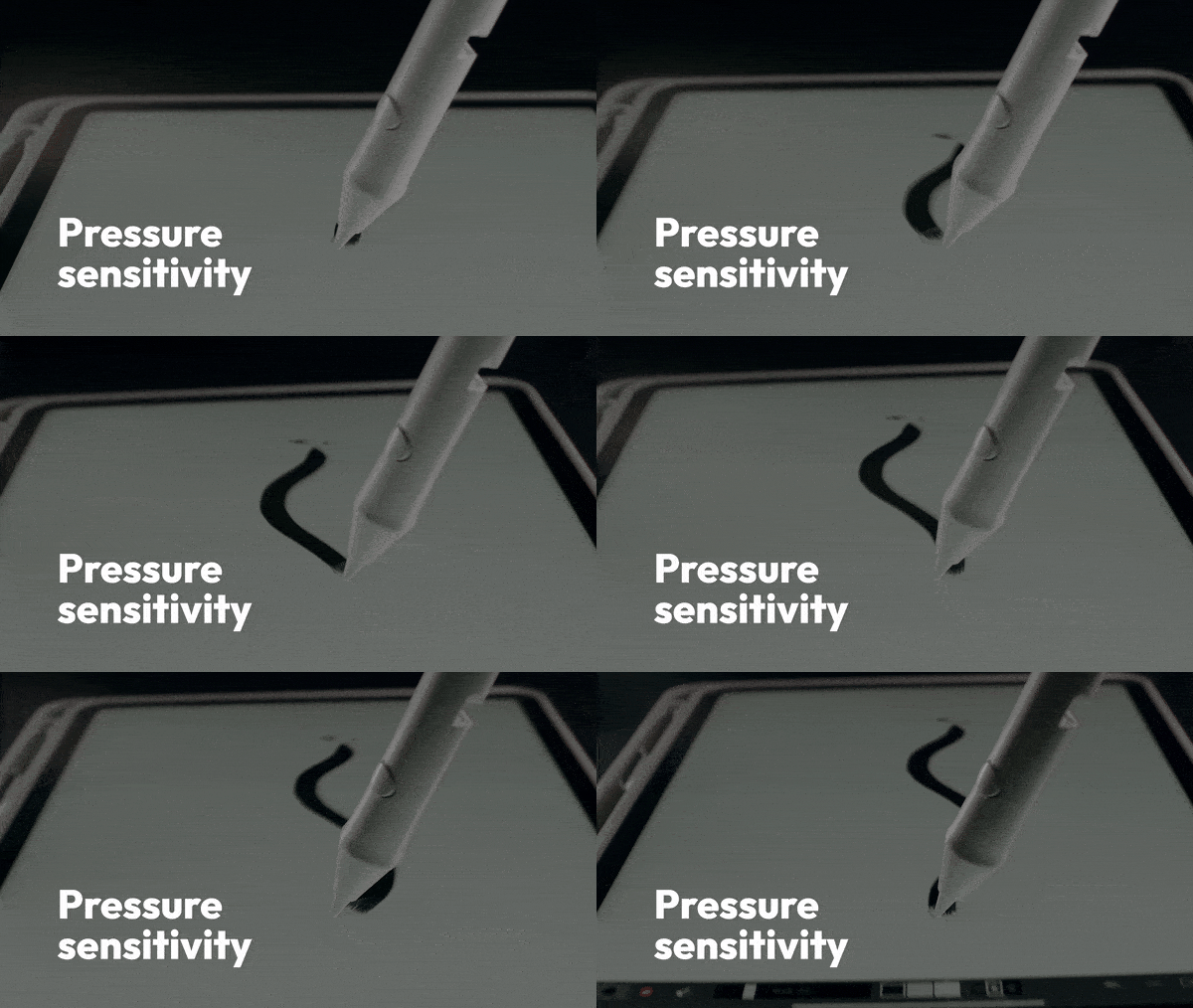
Pressure sensitivity

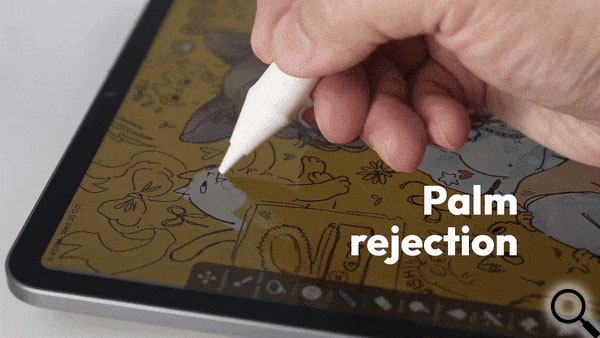
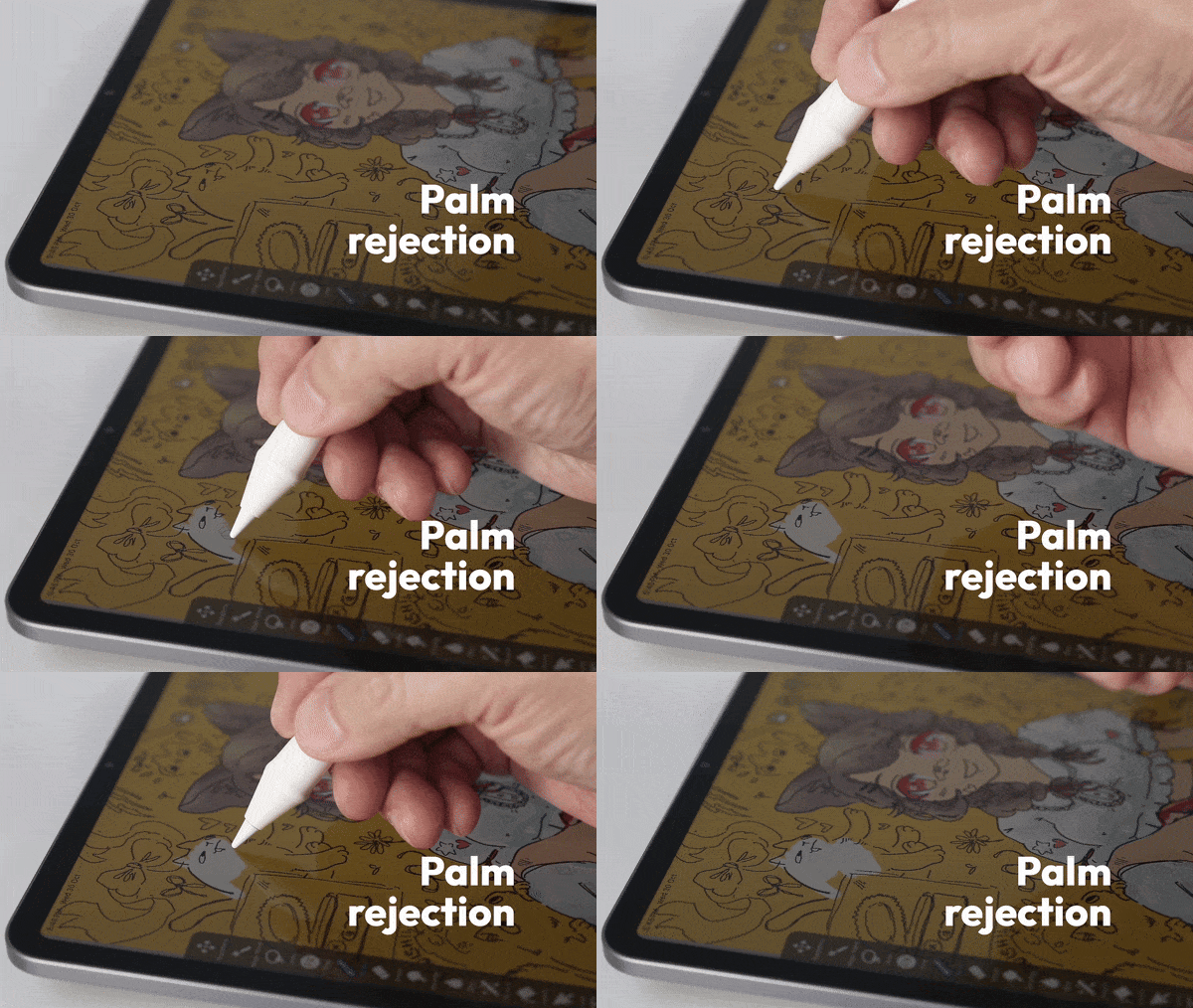
Palm rejection

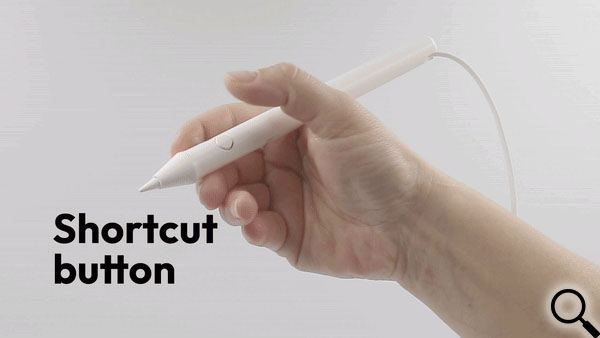
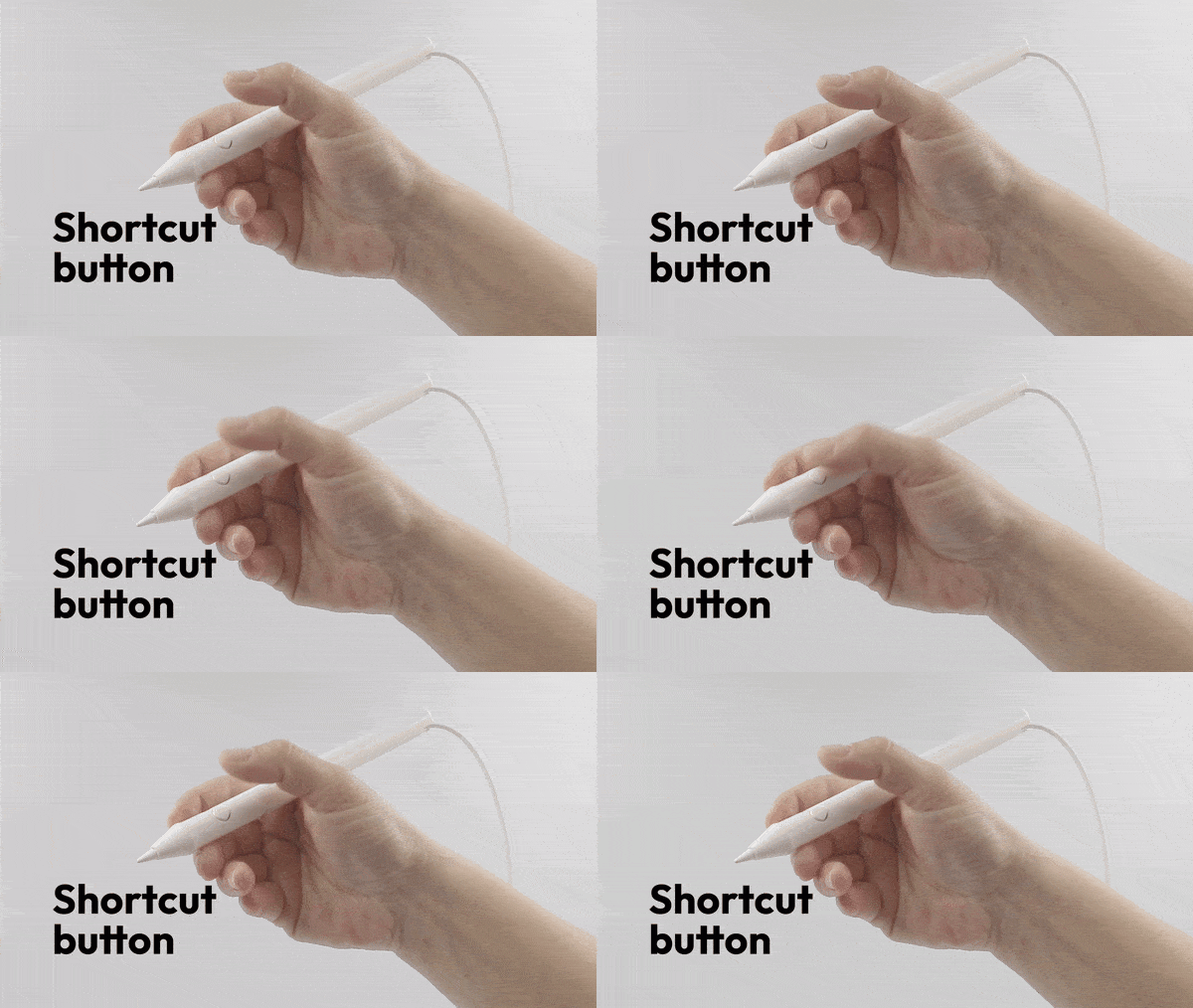
Customizable shortcut button
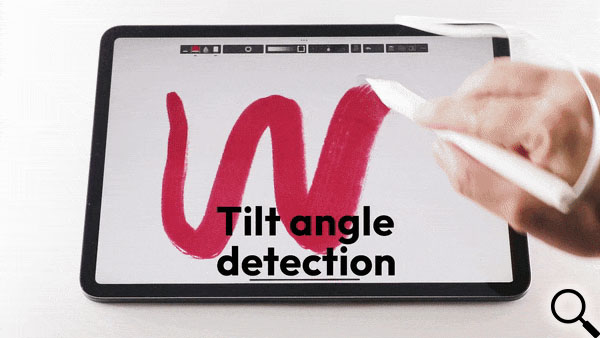
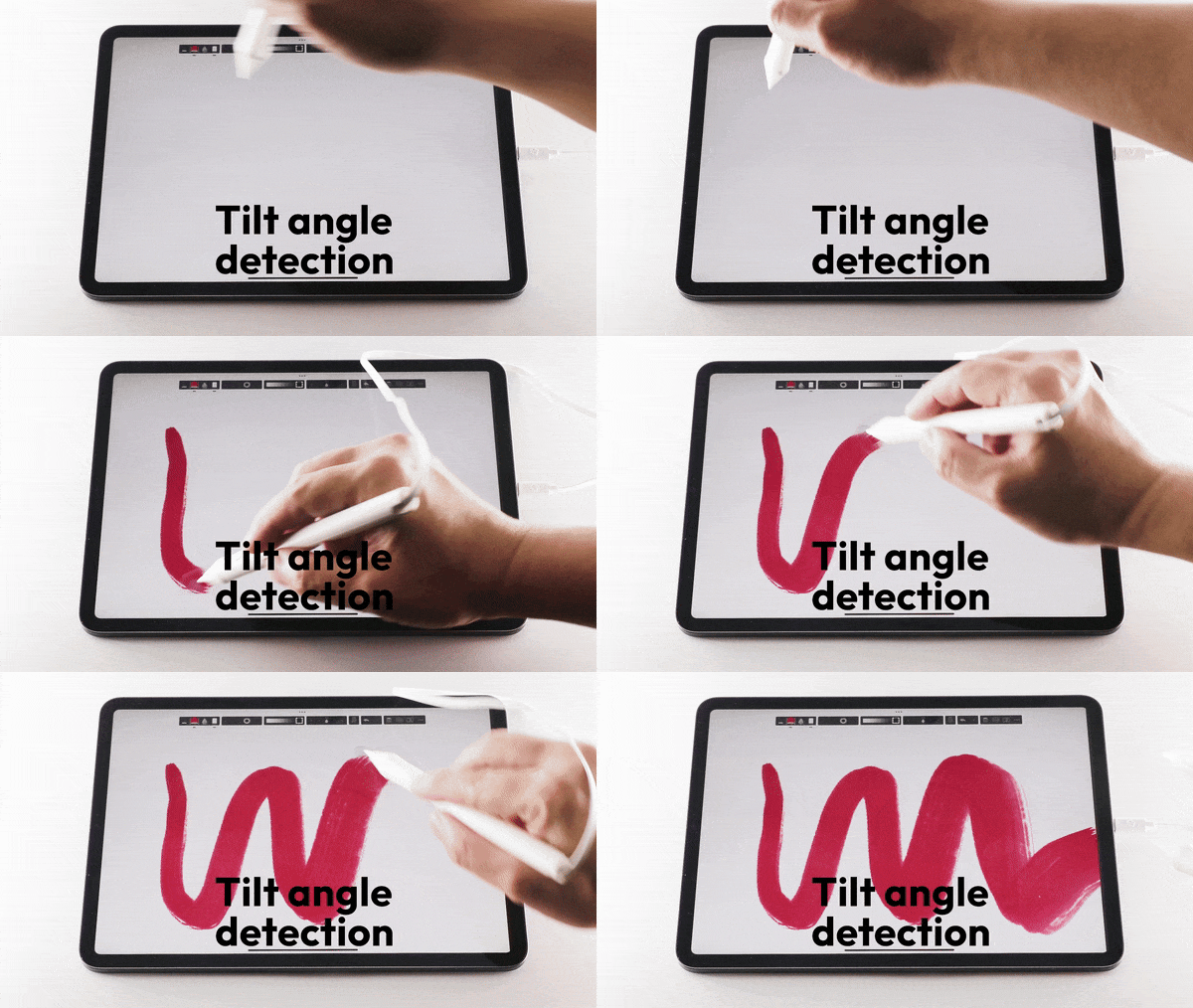
Tilt angle detection
Don't wait. Pick up your SonarPen 2 now.
Battery-free drawing pen with palm rejection, shortcut button, and no charging.
Strong hardware compatibility
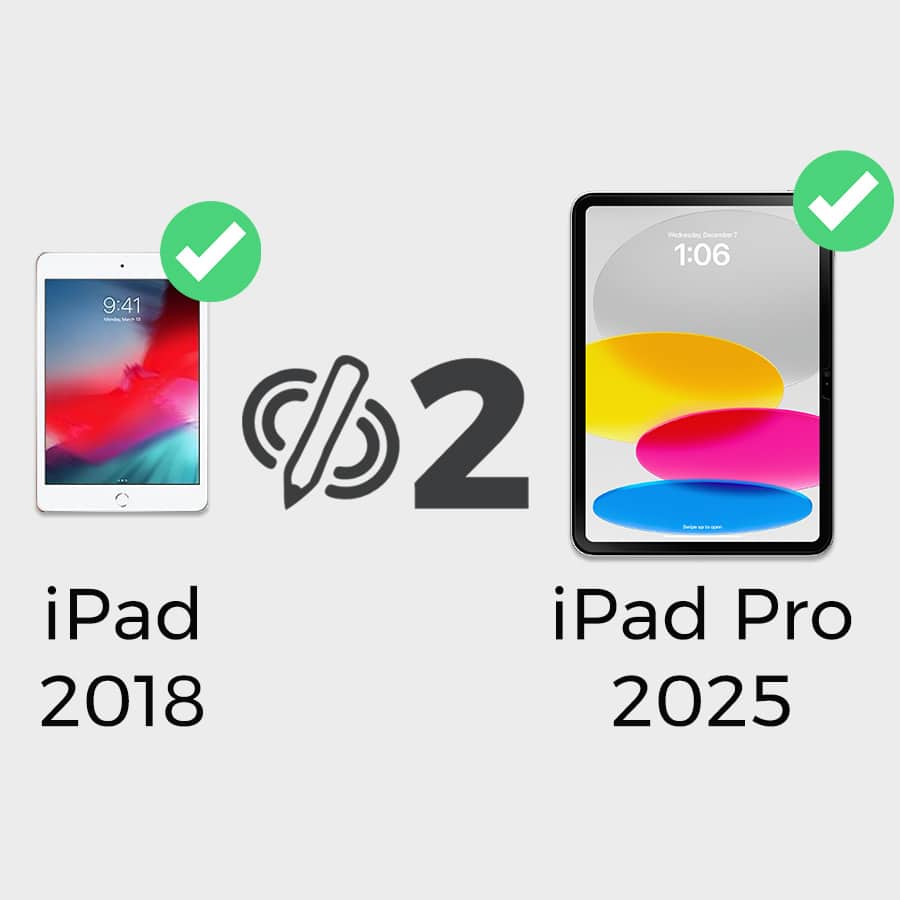
Compatible with all iPad models released in 2018 or later
Before SonarPen 2, upgrading an iPad also means upgrade its stylus. That's because older iPads are limited to the Apple Pencil 1 while newer models require the Apple Pencil 2, these hidden costs add up quickly.
SonarPen 2 eliminated this problem by working seamlessly with all iPads released on 2018 or later. Your investment is future-proof, giving you pro-level features and compatibility across devices without extra expenses.
To check the model of your iPad, go to Settings > General >About to find out its model.
2018
- iPad (6th generation) *required SonarPen 2 to iPad adapter
- iPad Pro (3rd generation)
2019
- iPad Air (3rd generation) *required SonarPen 2 to iPad adapter
- iPad mini (5th generation) *required SonarPen 2 to iPad adapter
- iPad (7th generation) *required SonarPen 2 to iPad adapter
2020
- iPad Pro (4th generation)
- iPad (8th generation) *required SonarPen 2 to iPad adapter
- iPad Air (4th generation)
2021
- iPad Pro (5th generation)
- iPad (9th generation) *required SonarPen 2 to iPad adapter
- iPad mini (6th generation)
2022
- iPad Air (5th generation)
- iPad Pro (6th generation)
- iPad (10th generation)
2024
- iPad Air (6th generation)
- iPad Pro (7th generation)
- iPad mini (7th generation)
2025
- iPad (11th generation / A16)
*SonarPen 2 to iPad adapter
For older iPads with a Lightning charging port, a SonarPen 2 to iPad adapter required. Do not use adapter from other brand.

Adapter sold separately ** Actual colors may vary**
Strong hardware compatibility
Compatible with all iPad models released in 2018 or later
To check the model of your iPad, go to Settings > General >About to find out its model.
2018
- iPad (6th generation) *required SonarPen 2 to iPad adapter
- iPad Pro (3rd generation)
2019
- iPad Air (3rd generation) *required SonarPen 2 to iPad adapter
- iPad mini (5th generation) *required SonarPen 2 to iPad adapter
- iPad (7th generation) *required SonarPen 2 to iPad adapter
2020
- iPad Pro (4th generation)
- iPad (8th generation) *required SonarPen 2 to iPad adapter
- iPad Air (4th generation)
2021
- iPad Pro (5th generation)
- iPad (9th generation) *required SonarPen 2 to iPad adapter
- iPad mini (6th generation)
2022
- iPad Air (5th generation)
- iPad Pro (6th generation)
- iPad (10th generation)
2024
- iPad Air (6th generation)
- iPad Pro (7th generation)
- iPad mini (7th generation)
2025
- iPad (11th generation / A16)
*SonarPen 2 to iPad adapter
For older iPads with a Lightning charging port, a SonarPen 2 to iPad adapter required. Do not use adapter from other brand.
Adapter sold separately ** Actual colors may vary**
Create, Edit, Model, Play.
Create, Edit, Model, Play.
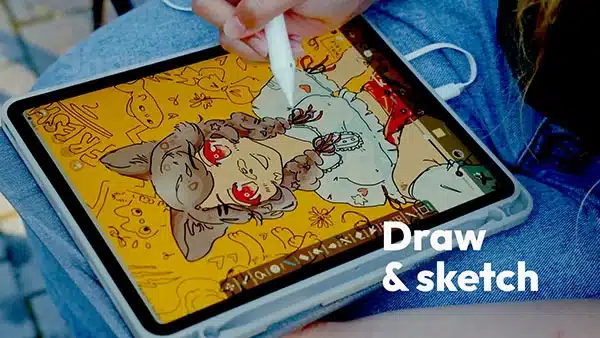
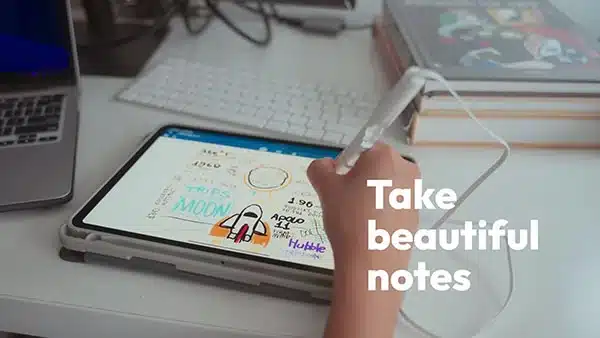
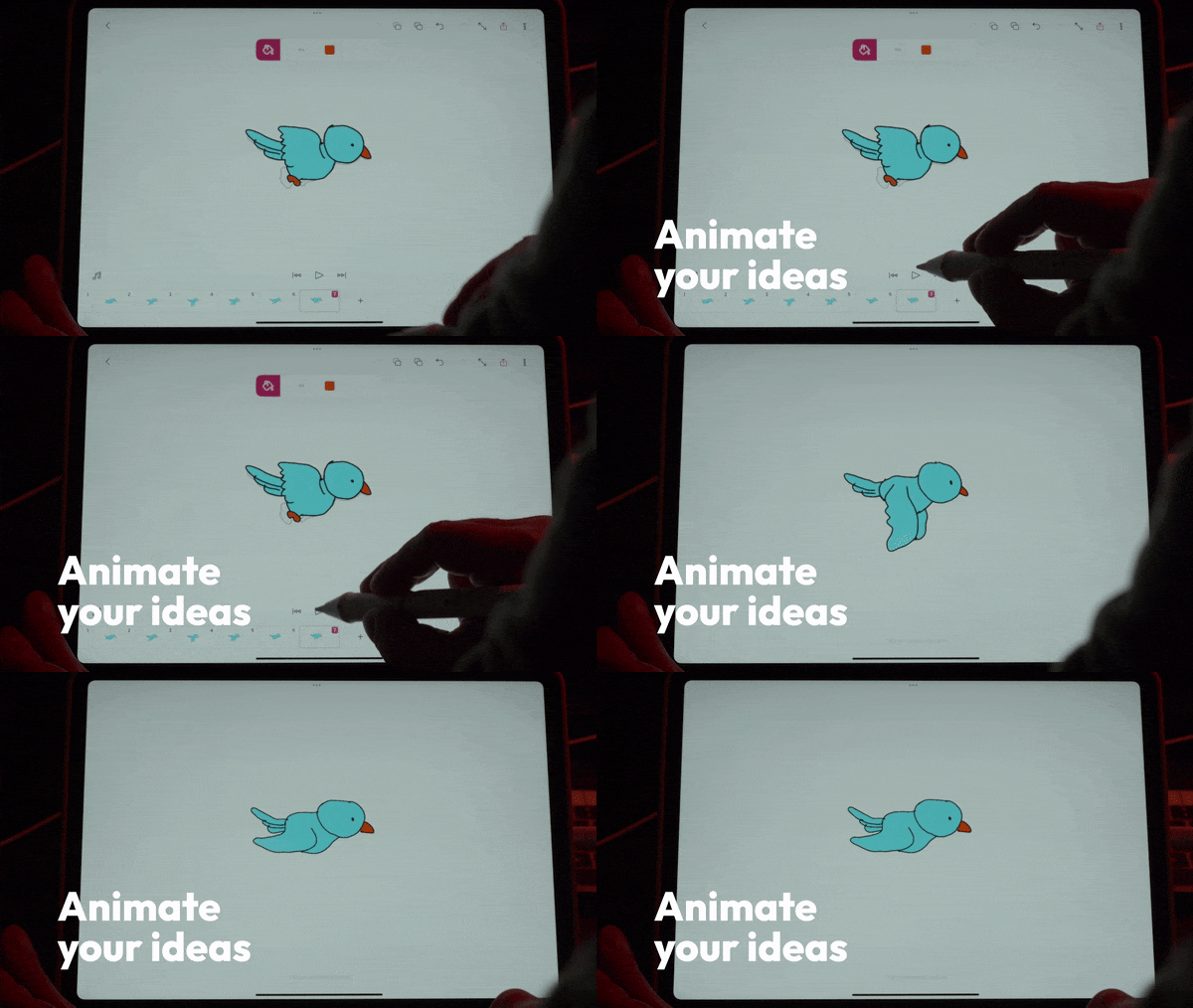
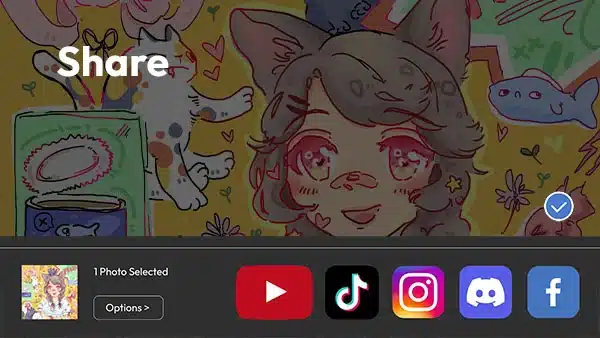

Plug in your SonarPen 2 and instantly unlock 6-months of ShadowDraw. A $59 value, absolutely free.
Includes full access to over 2,000 drawing lessons plus exclusive courses.
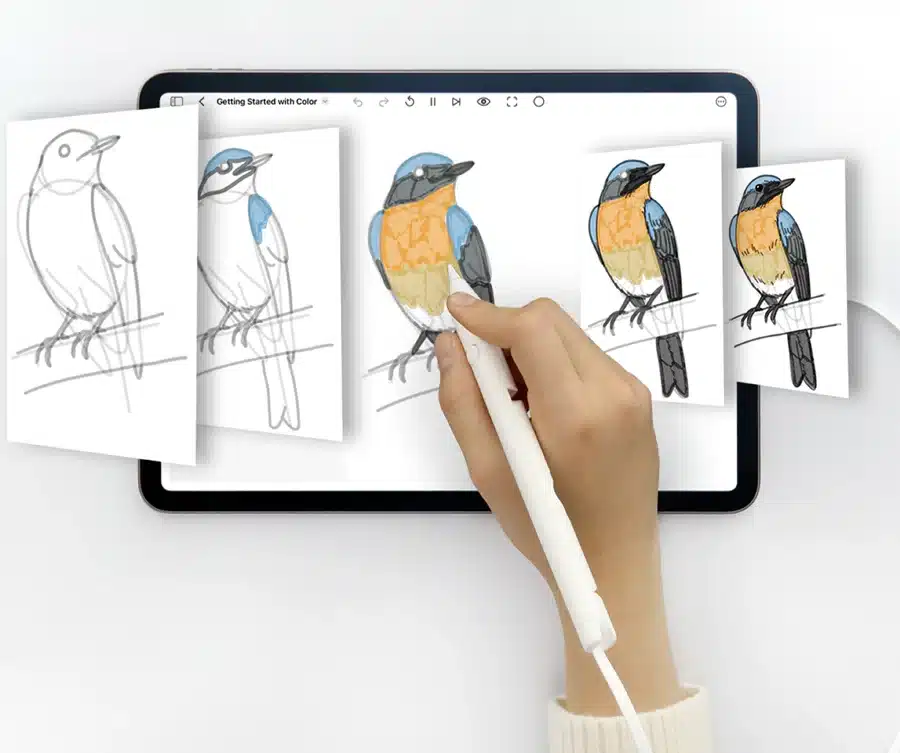
Plug in your SonarPen 2 and instantly unlock 6-months of ShadowDraw. A $59 value, absolutely free.
Includes full access to over 2,000 drawing lessons plus exclusive courses.
Unlimited app compatibility
SonarPen 2 works with all iPad apps out of the box.
To take advantage of SonarPen 2 enhanced features like Pressure sensitivity and shortcut button, check out some of these SonarPen 2-supporting app:
Unlimited app compatibility
SonarPen 2 works with all iPad apps.
For features like pressure sensitivity and the shortcut button, use a SonarPen 2-supported app, such as these:
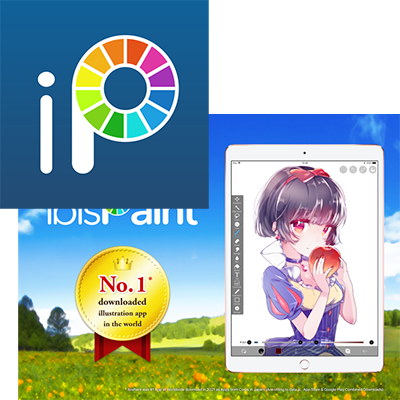
ibis paint
Draw and paint with pressure-sensitive control.
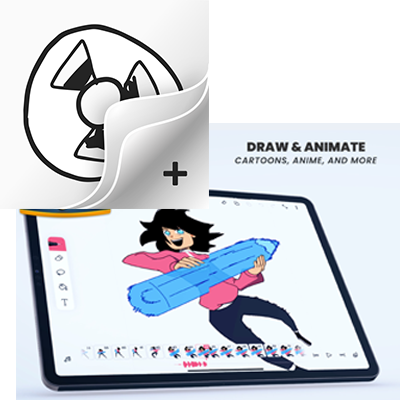
FlipaClip
Sketch and animate frame by frame.
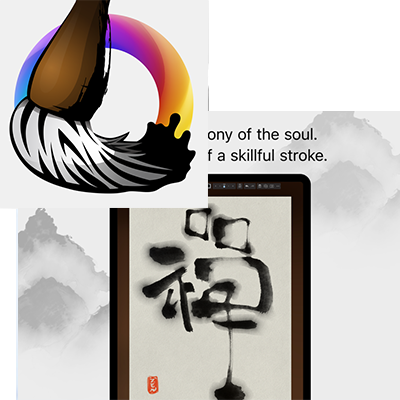
Zen Brush 3
Create expressive brush strokes naturally.
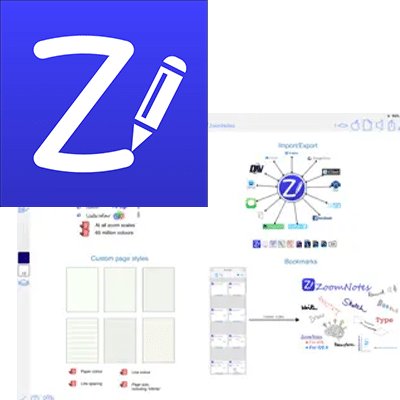
ZoomNotes
Write, sketch and take detailed notes.


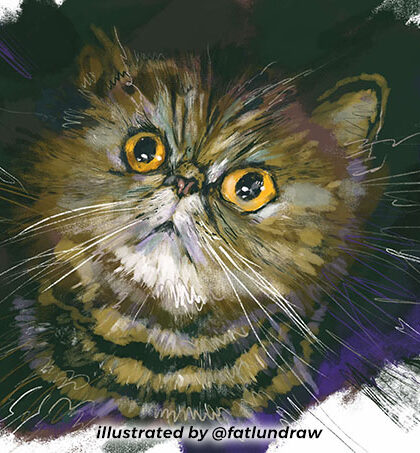

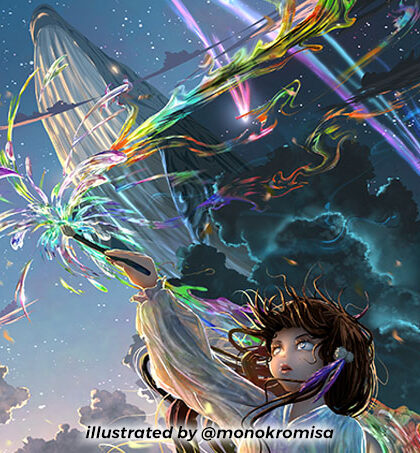

Thoughtful design, built for real use.
Thoughtful design, built for real use.
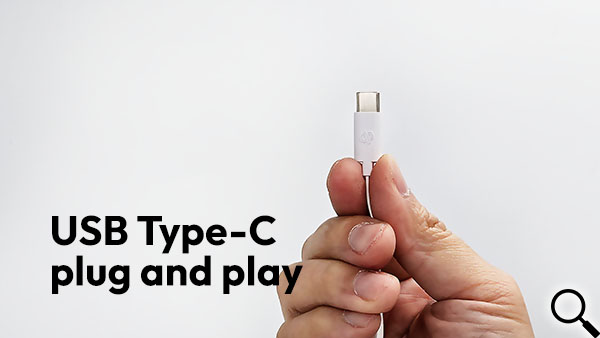
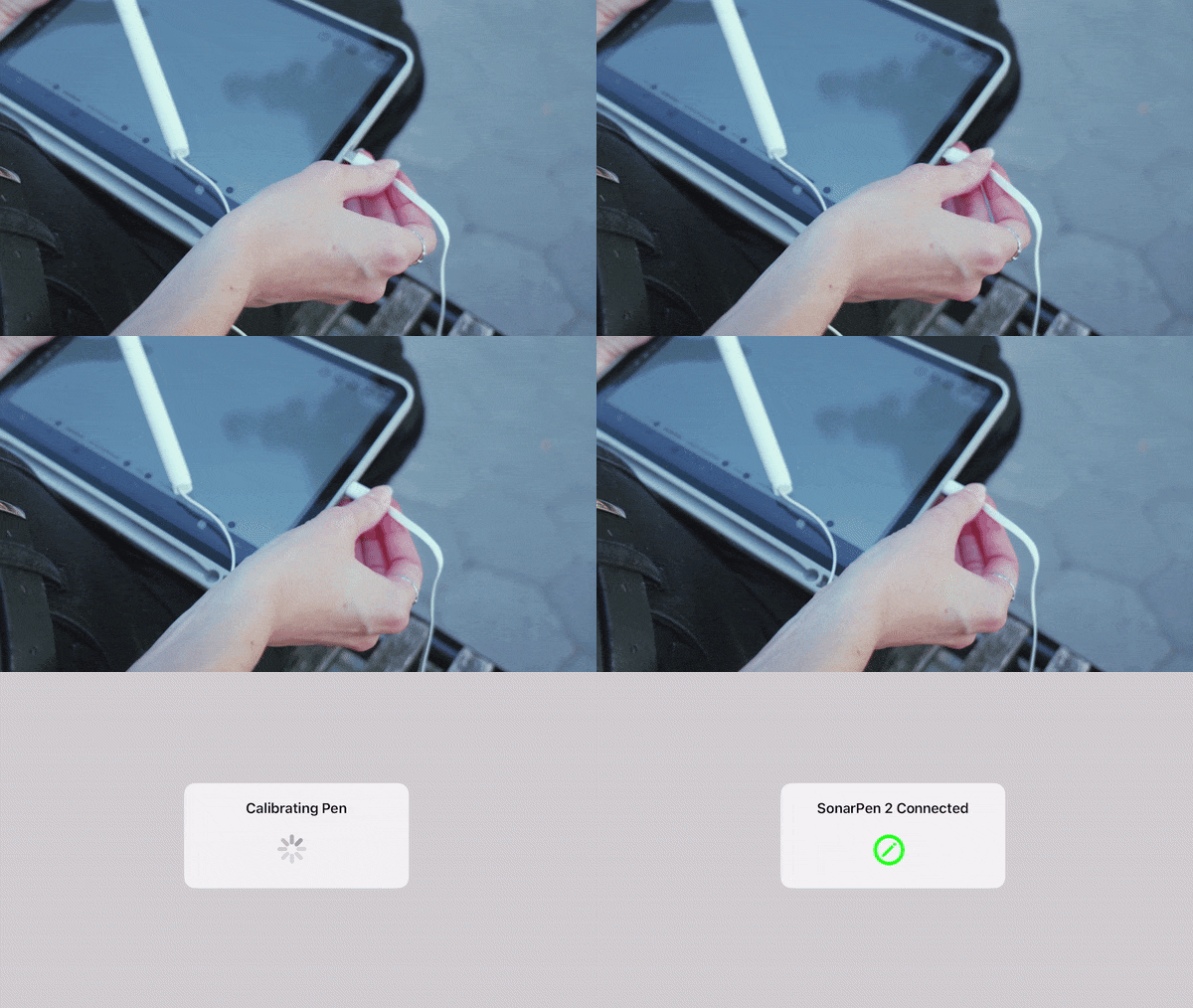
Plug and play
No batteries. No charging. No pairing. Just plug in and create.
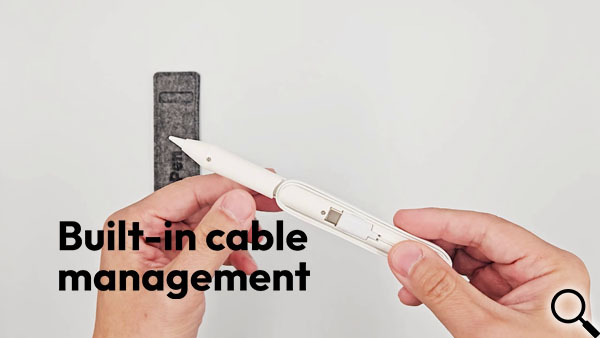
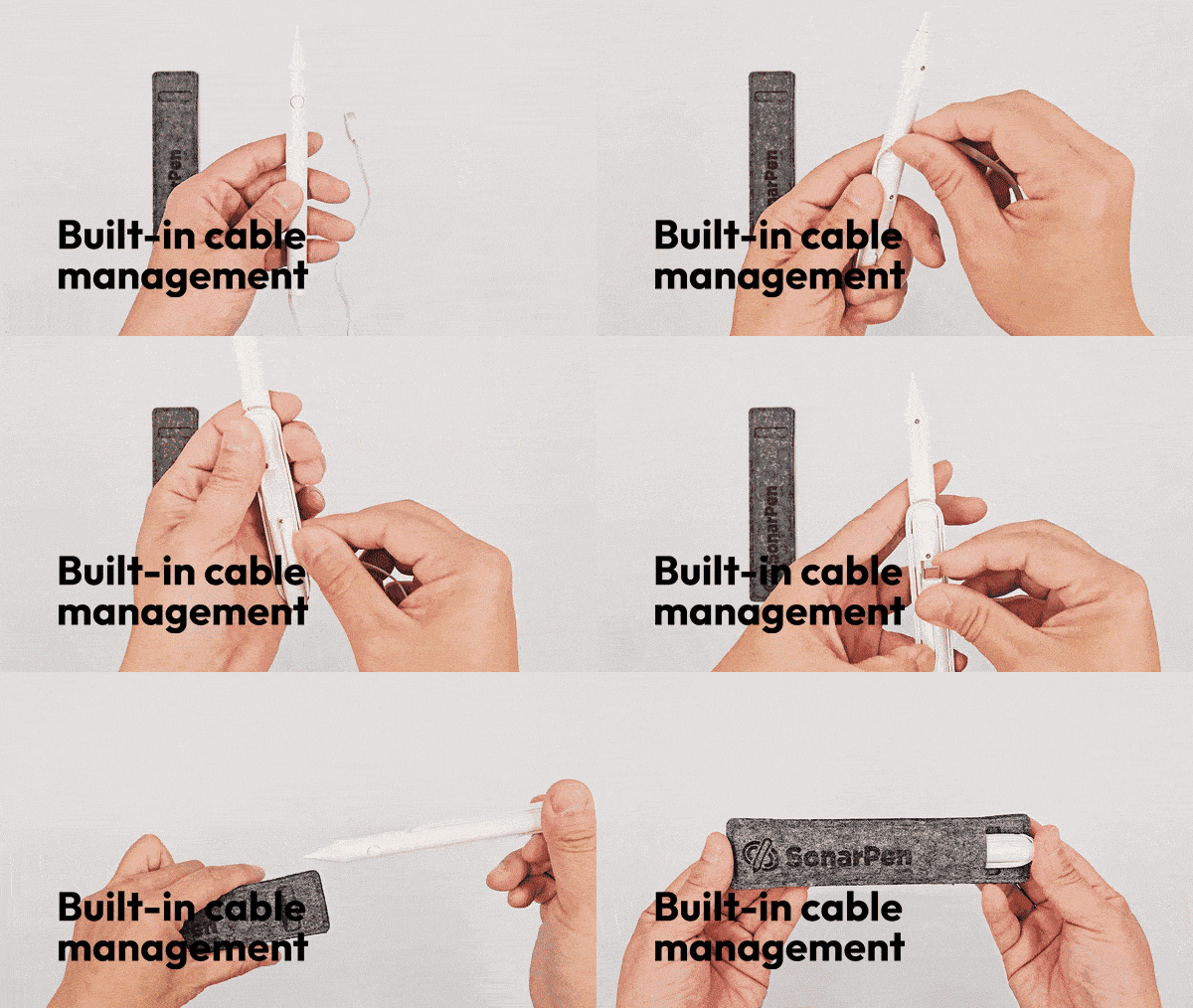
Built-in cable management
Tuck in the cable neatly in just 10 seconds.
**SonarPen Pocket sold separately
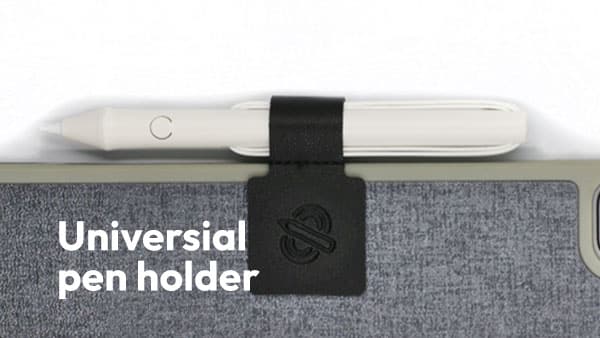
Bundled with pen holder
Universal adhesive holder keeps SonarPen 2 secure and within reach.
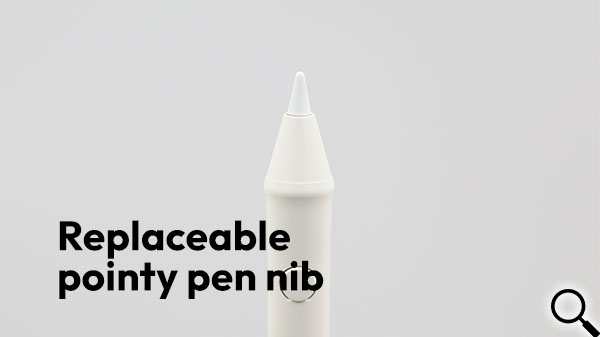
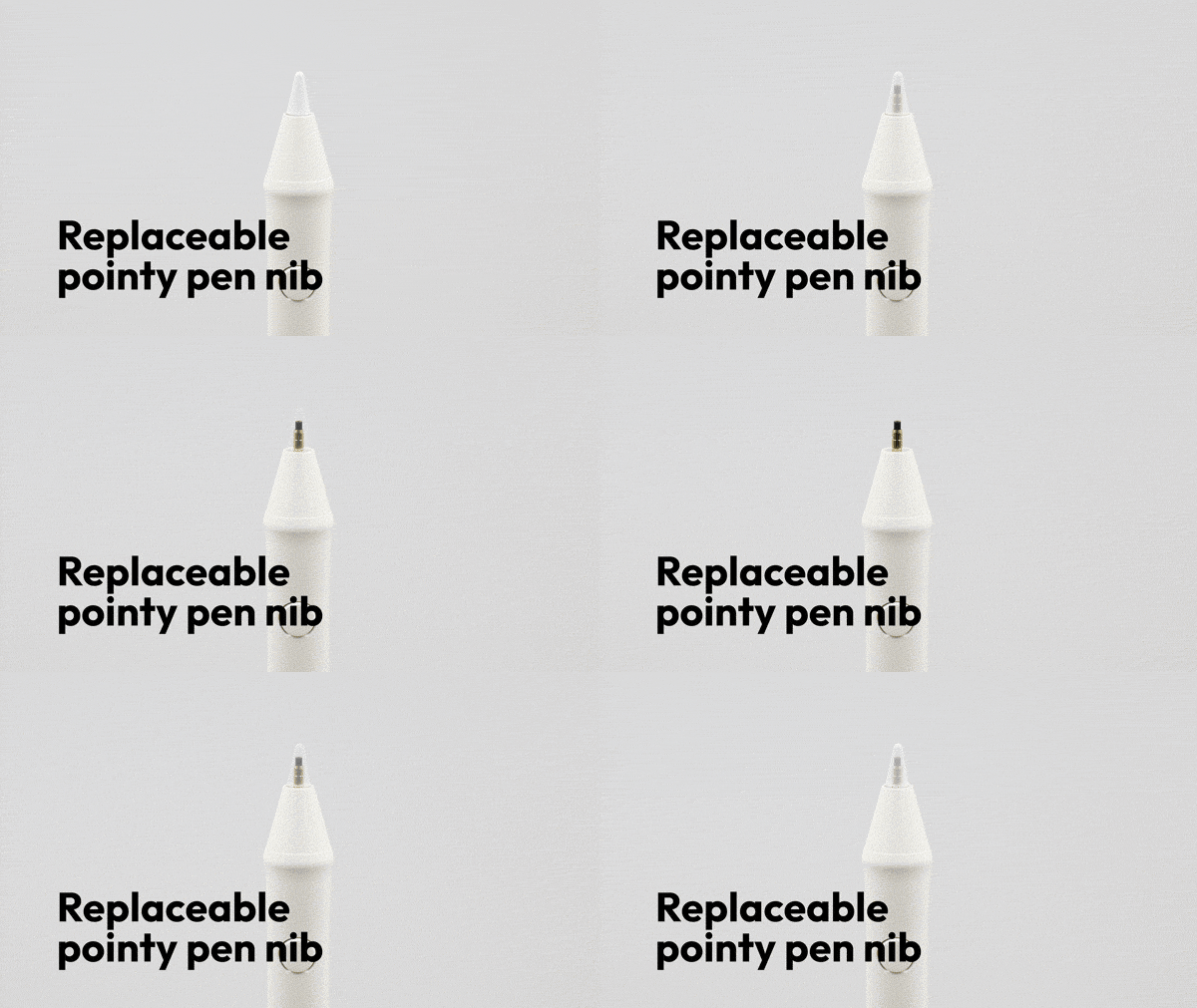
Replaceable precision nib
Precise, durable, and easy to replace.
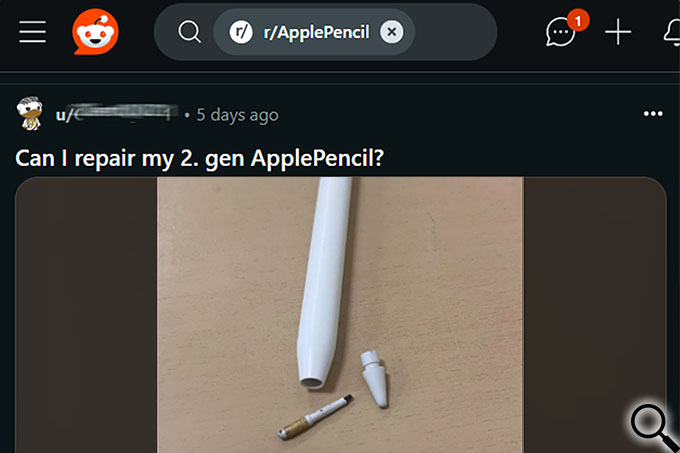

Improved shock absorption
Reinforced, cushioned nib design for added durability.
Stylus comparison chart
Stylus comparison chart
 SonarPen 2 US$ 45
|
Apple Pencil (USB C) US$ 79
|
Apple Pencil
US$ 99 |
Apple Pencil 2
US$ 129 |
|
|---|---|---|---|---|
| Hardware compatibility |
iPads released 2018 or later |
Selected iPads | Selected iPads | Selected iPads |
| Charging | No charging | 12hr / 30 min charge | 11-12 hr / 15-20 min charge | 12 hr / 30 min charge |
| Setup | Plug & play | Cable pairing | Plug in to pair | Auto pairing |
| Storage | Pen holder included | Magnetic | Separate | Magnetic |
| Shortcut button | Physical button |
None | None | Double tap |
| Pressure sensitivity | Supported apps | none | All apps | All apps |
SonarPen 2 FAQ
SonarPen 2 FAQ
No, the SonarPen 2 is specially designed to use with the iPad.
Yes, the SonarPen 2 works with all apps from the App Store.
No, SonarPen 2 can only work with the official SonarPen 2 to iPad adapter. All other brands are not compatible.
Adapter sold separately ** Actual colors may vary**
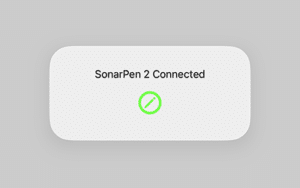
You may have an incompatible iPad released before 2018. Please make sure your iPad is on the compatibility list.
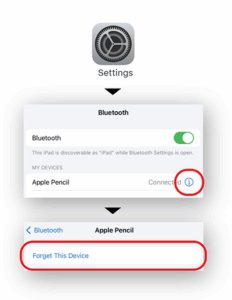
Please make sure Apple Pencil connection is removed from the Bluetooth setting or Bluetooth is disabled in setting.
Visit www.sonarpen.com/quickstart and check out the step-by-step quick start video to setup your iPad and SonarPen 2.
Visit the SonarPen 2 supporting app page, to see all the apps that take advantage of SonarPen 2’s sensitivity.
For an app to support SonarPen 2’s pressure sensitivity, the app needs to include the SonarPen SDK. The SDK enables the app to read pressure data from SonarPen 2 and use it for drawing, writing, or other creative features.
The SonarPen SDK is free to use for app developers and can be integrated into both free and paid apps distributed through public app stores. If you’d like to see SonarPen 2 supported in your favorite app, please ask the app developer to contact us at hello@sonarpen.com. We’re happy to provide the SDK, documentation, and integration support.
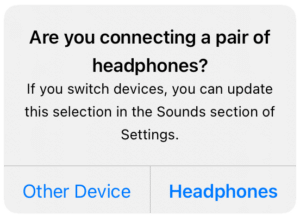

Check the Settings app.
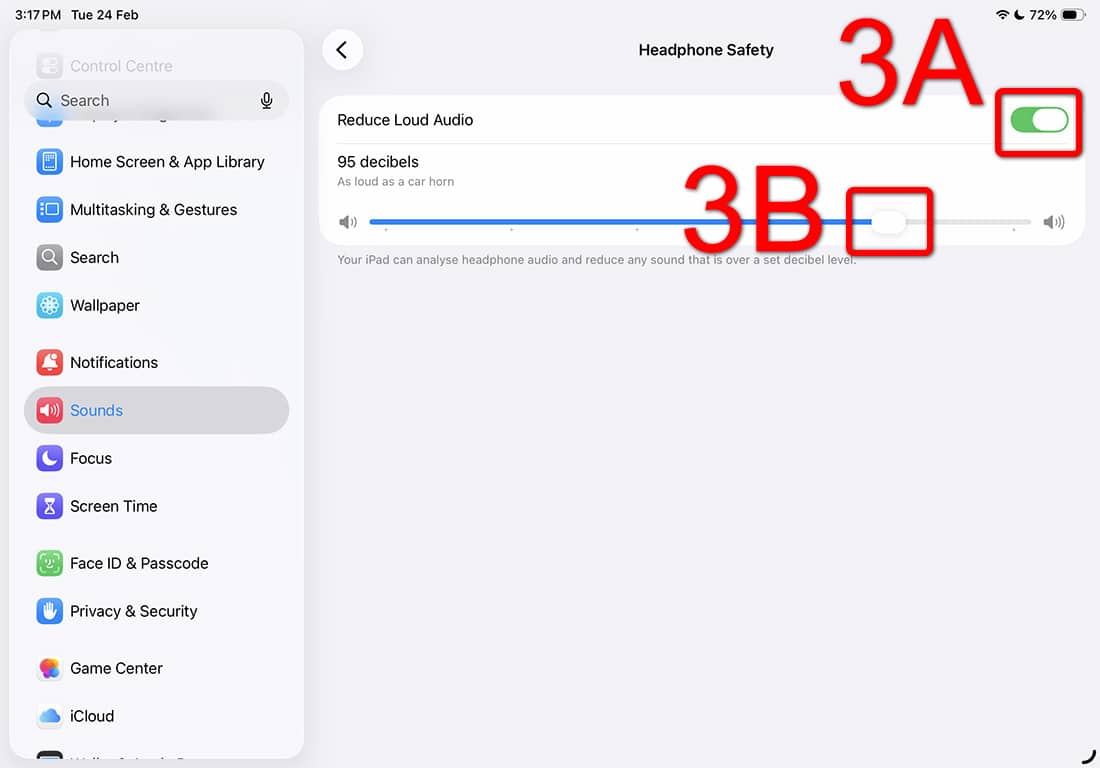
If Headphone Safety (Reduce Loud Audio) is disabled in Settings, then SonarPen 2 will work properly. Nothing needed to be fixed.
If Headphone Safety (Reduce Loud Audio) is enabled in Settings and the loudest audio setting is on 95db or higher, then SonarPen 2 will work properly.
SonarPen 2 will not work properly when Headphone Safety is enabled and loudest audio setting is under 95db.
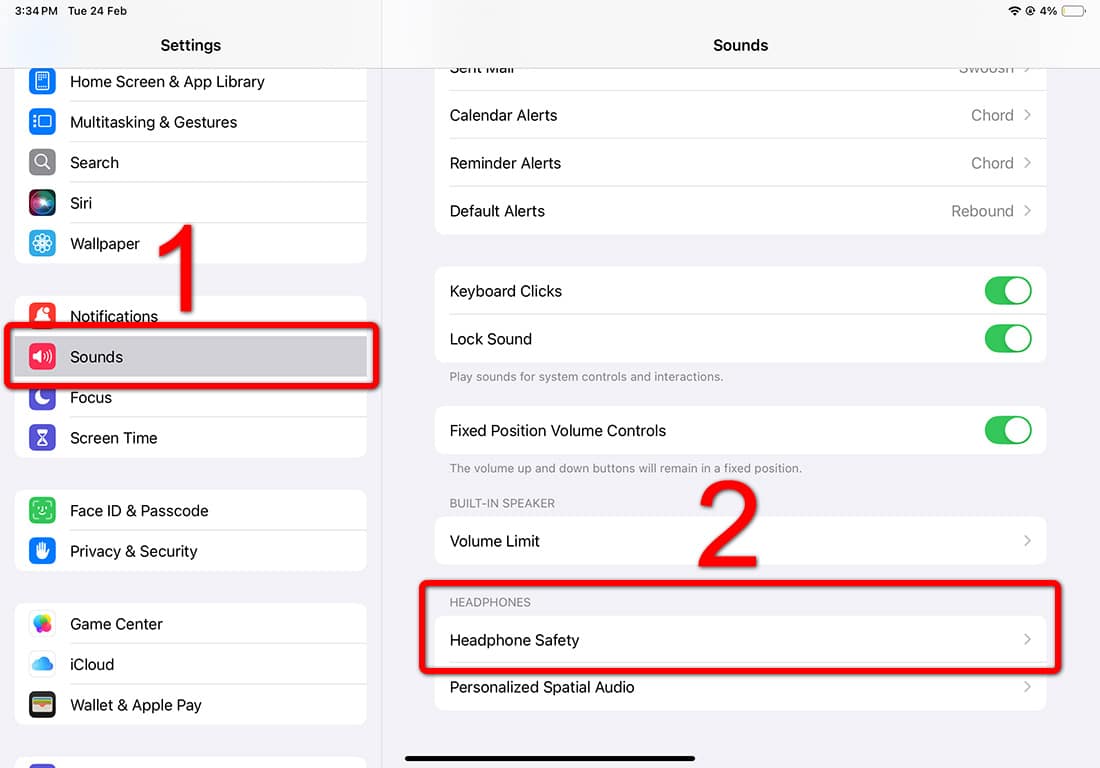
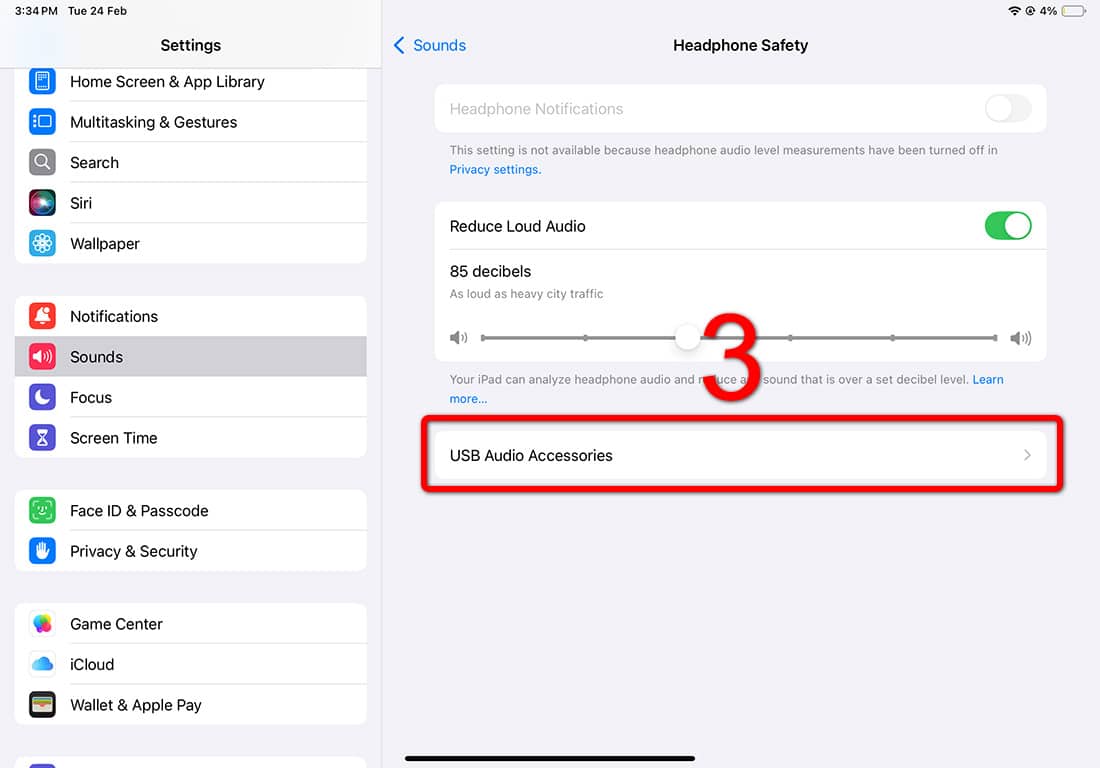
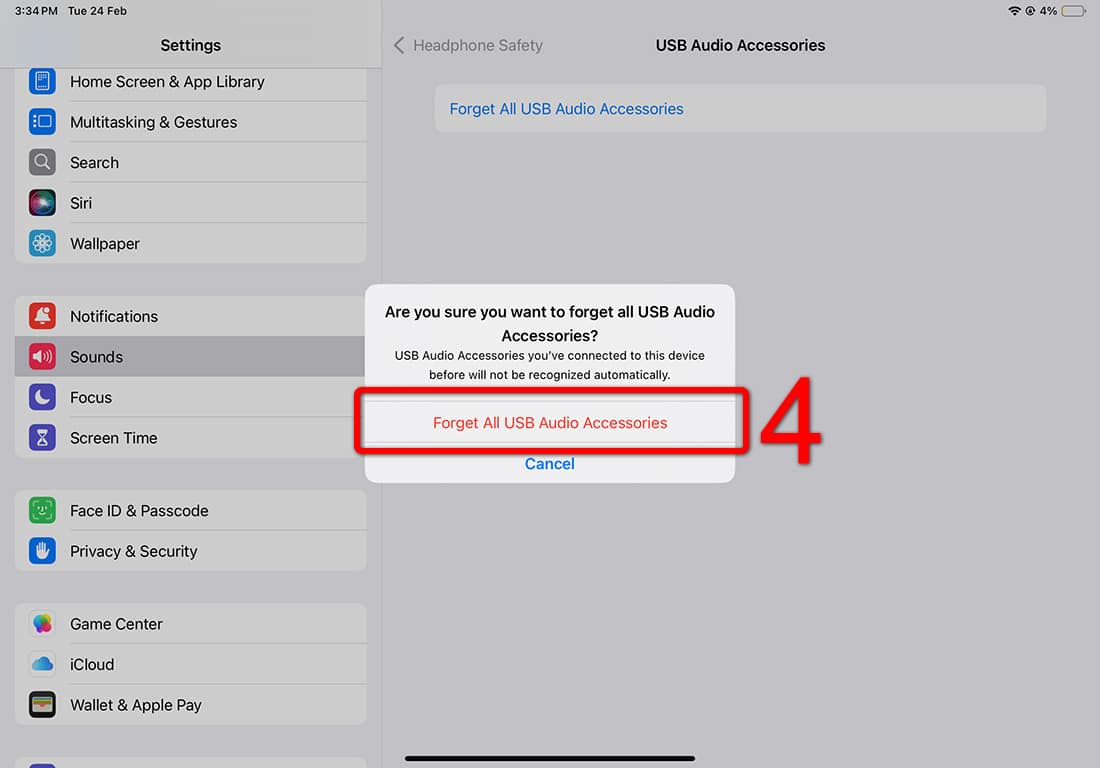
On iPadOS 18 or earlier, user can forget classification of USB Audio Accessories (SonarPen 2), here are the steps:
1. Run the Settings app > Sounds.
2. Scroll down to the HEADPHONES section > Click Headphone Safety.
3. Click USB Audio Accessories.
4. Click Forget All USB Audio Accessories and select SonarPen 2 as Other Device in the next dialog.
On iPadOS 26, there is no option to forget classification of USB Audio Accessories (SonarPen 2). SonarPen 2 users can either disable Reduce Loud Audio or increase loudest audio. Here are the steps:
1. Run the Settings app > Sounds.
2. Scroll down to the HEADPHONES section > Click Reduce Loud Audio.
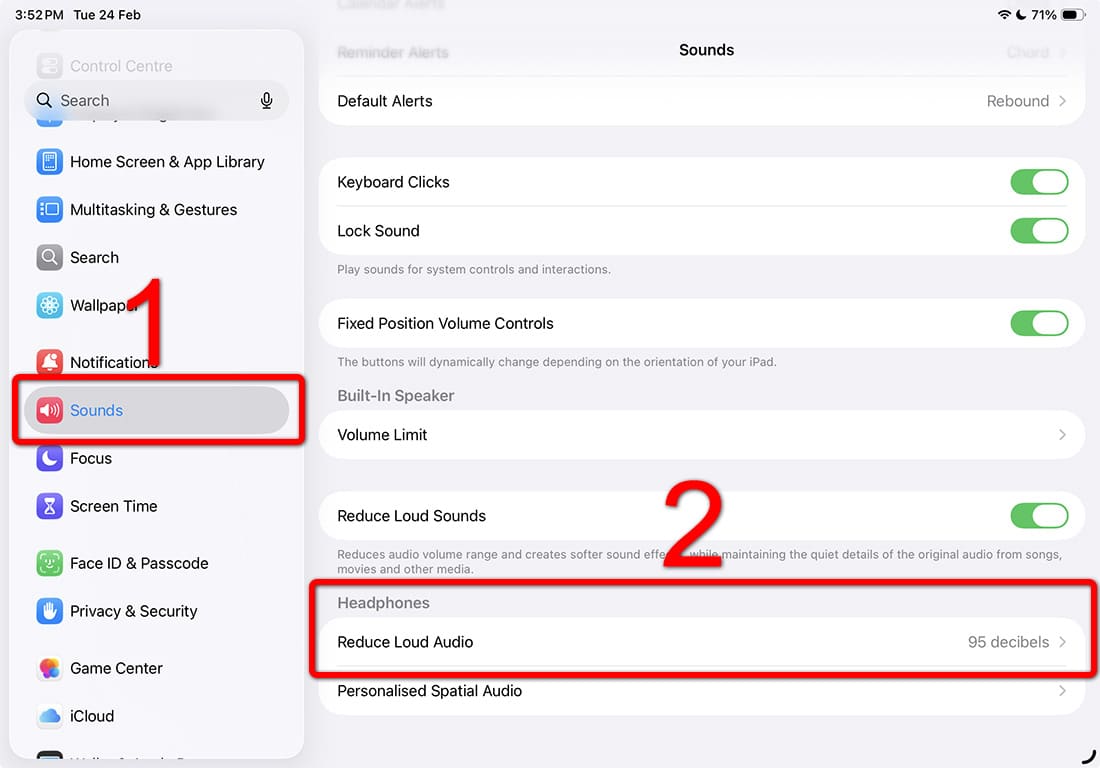
3A. To disable Reduce Loud Audio: Turn off the Switch.
3B. To increase loudest audio to 95db or above: Adjust the slider until 95 decibels is set.
Ready to draw with SonarPen 2?
Includes 6 months of ShadowDraw lessons.