
“SonarPen Pocket” has been added to your cart. View cart


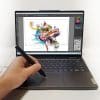





SonarPen (USB C) Pressure-Sensitive Stylus for iPhone, iPad, Android, Windows & Mac
Original price was: US$ 43.00.US$ 41.00Current price is: US$ 41.00.
Battery-free pressure-sensitive stylus for iPhone, iPad, Android, Windows & Mac with USB-C.
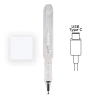
- Transparent design 😎
- No charging or Bluetooth pairing
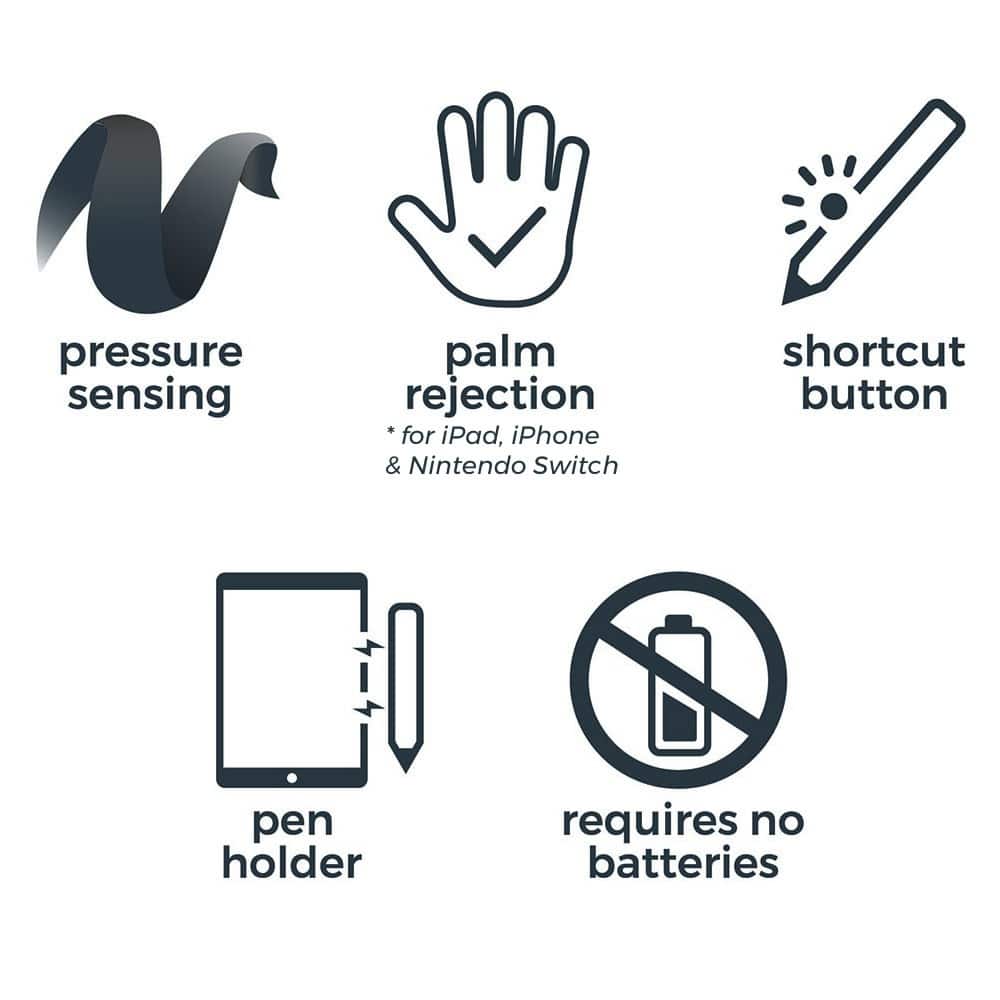
- Pressure sensitivity & shortcut button in supported apps
- Palm / finger rejection
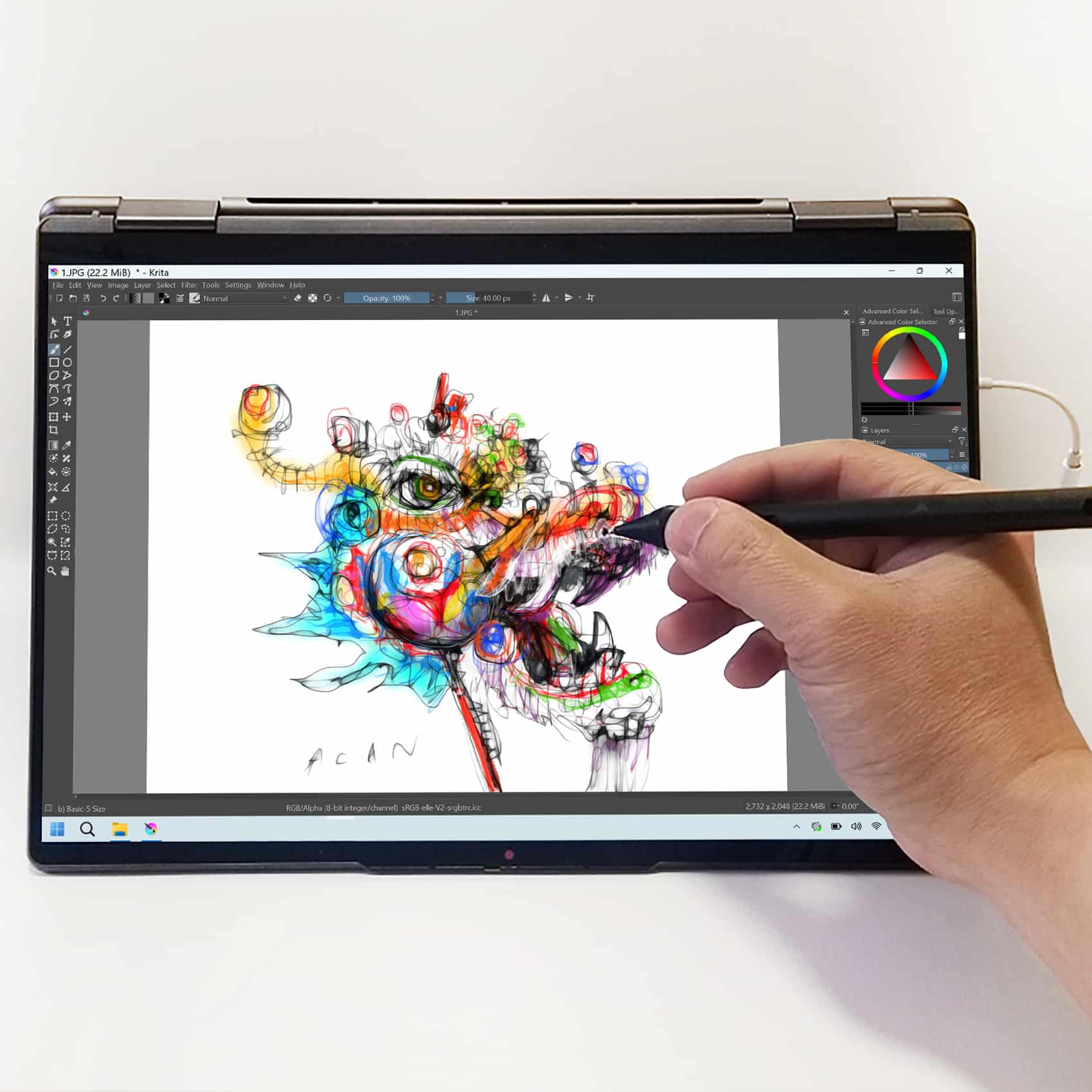
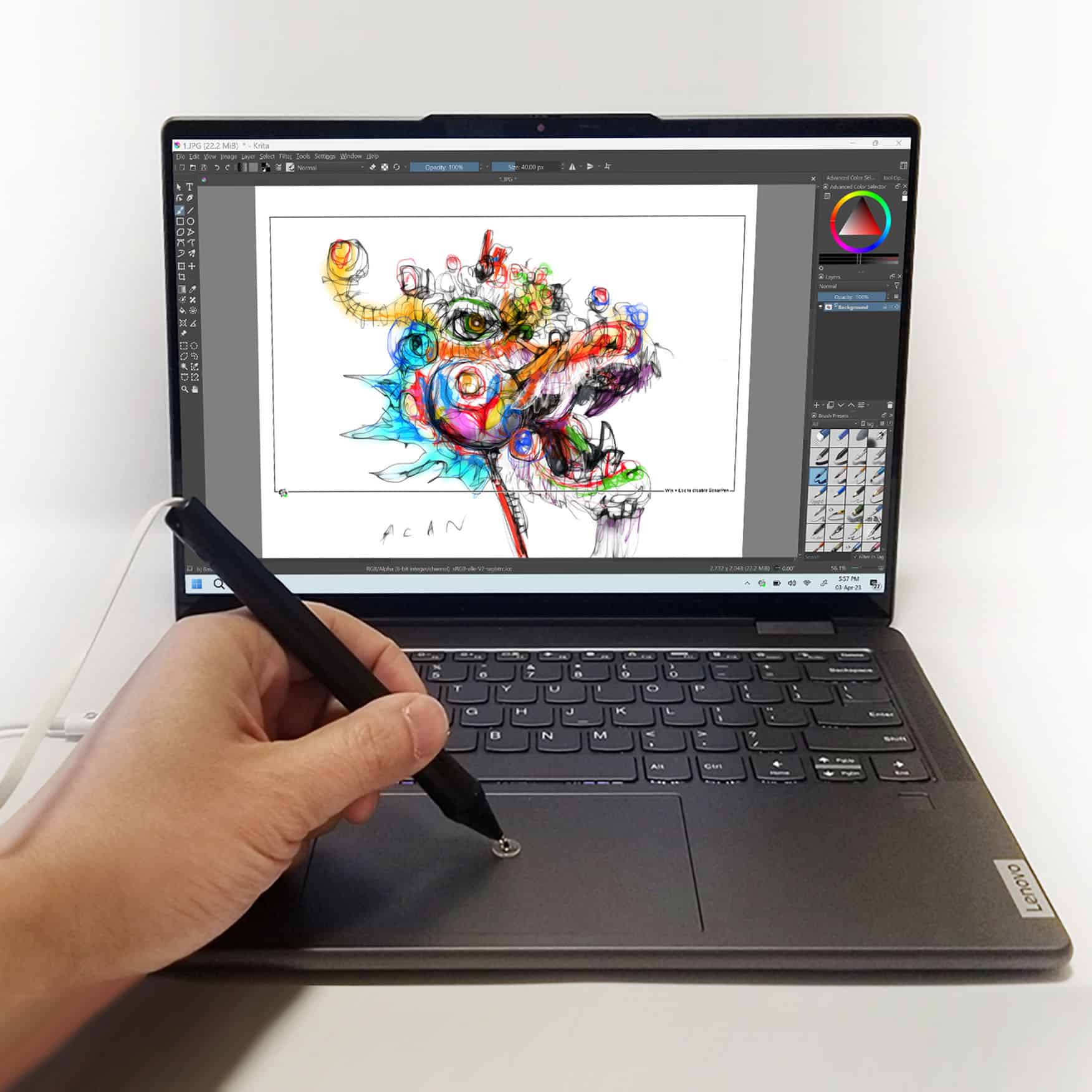
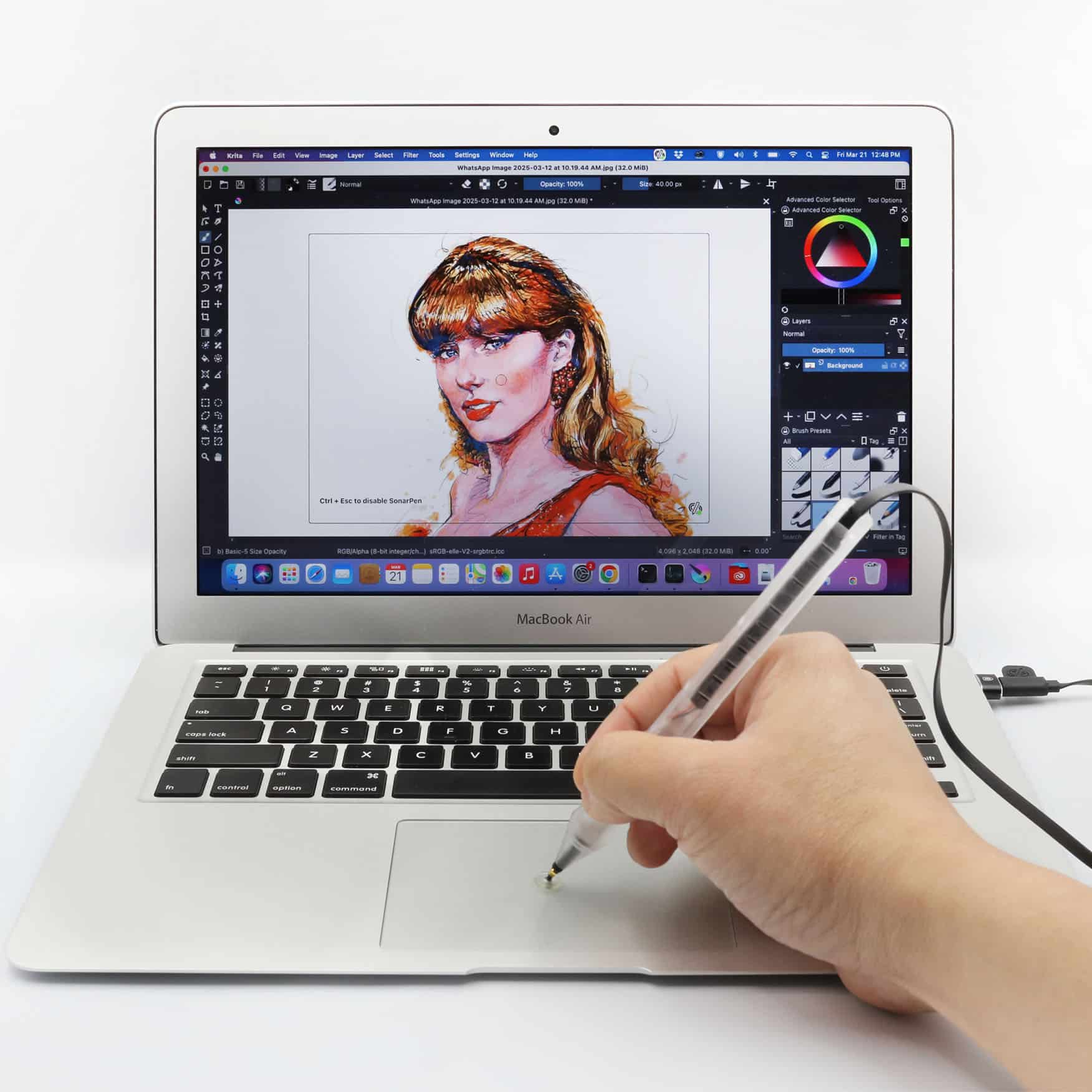
- Works with Windows 10 and 11 PC with touchscreen or touchpad
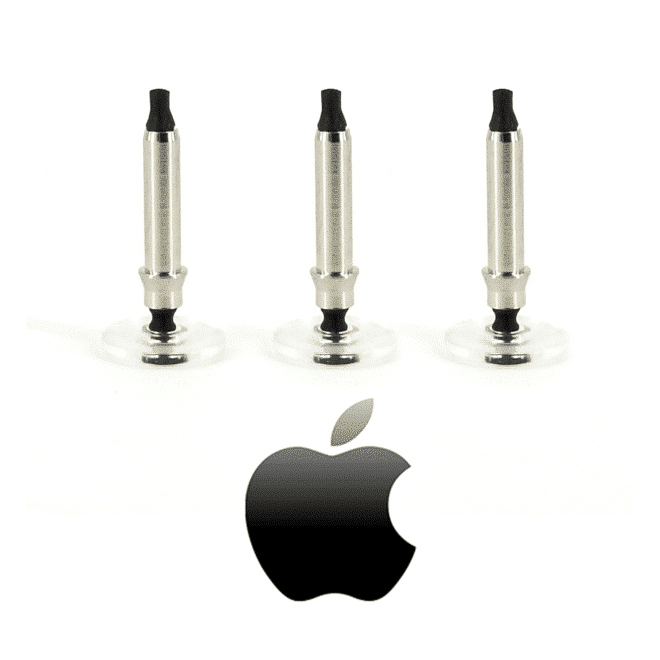
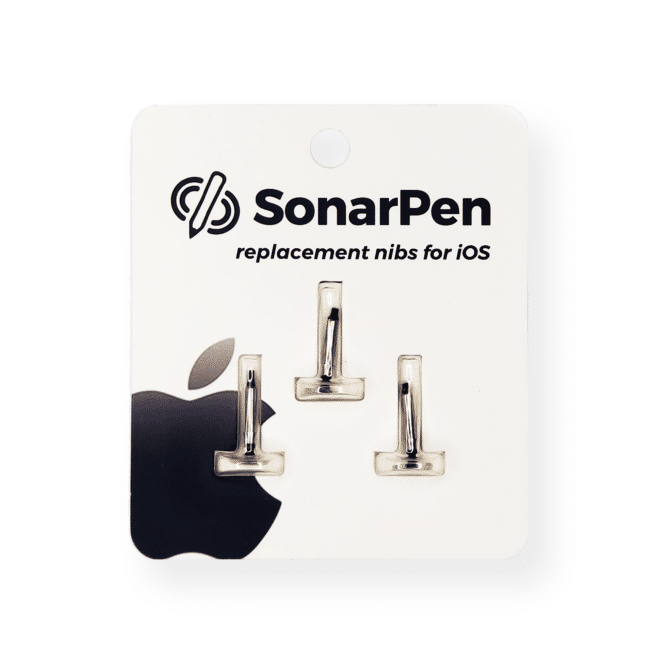
- 2 nibs included for different platforms
- Check device compatibility
- See supported apps

 Verified owner Verified ownerVerified owner
Works great on iPhone even as a simple finger stylus
Verified ownerNot a fan of the color (transparent) but works relatively well on my Mac trackpad!
 Verified owner
La verdad es que está bueno pero sigo sin entender la presión con ibis paint
Product Description
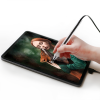
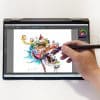
Draw with pressure sensitivity across phones, tablets and computers—without charging
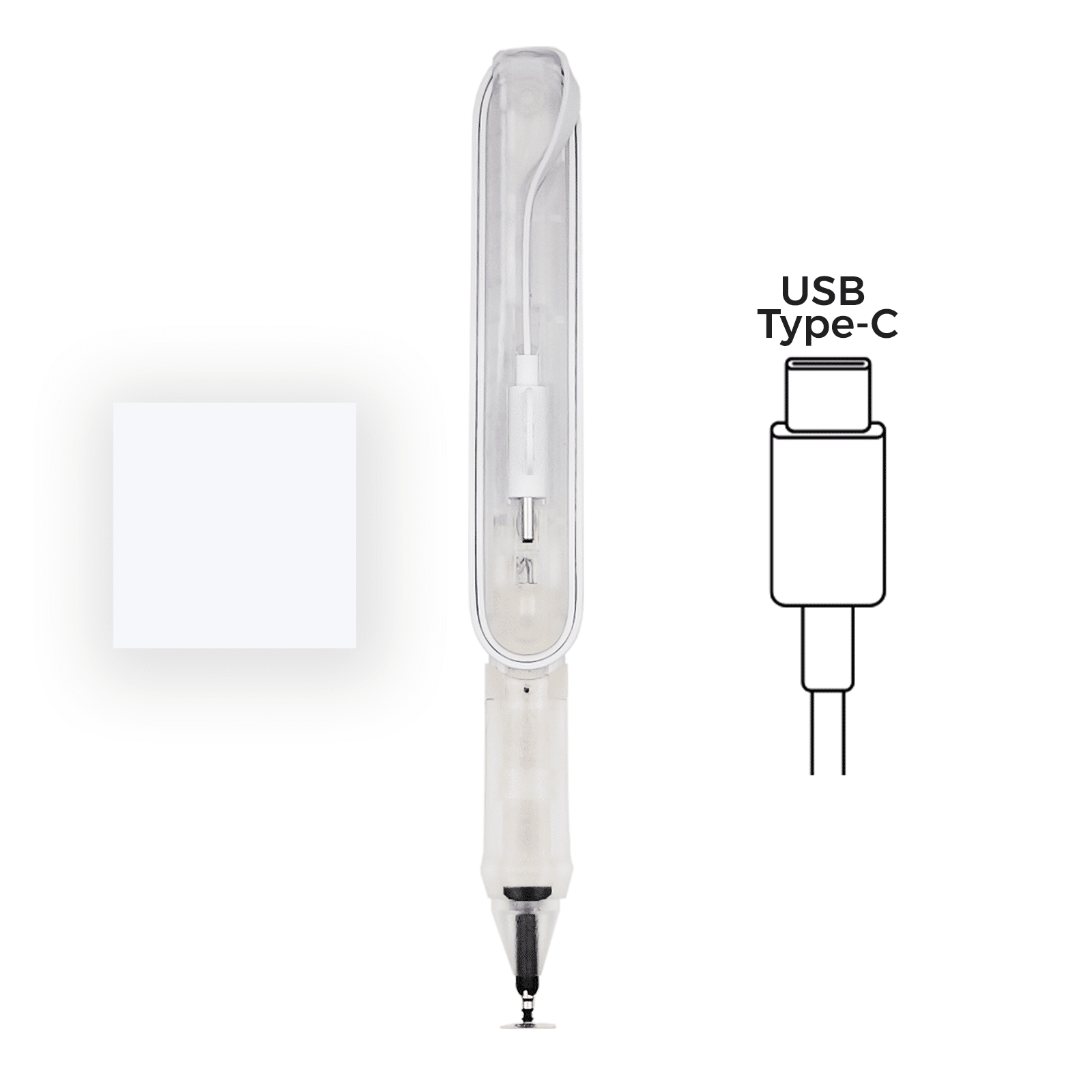
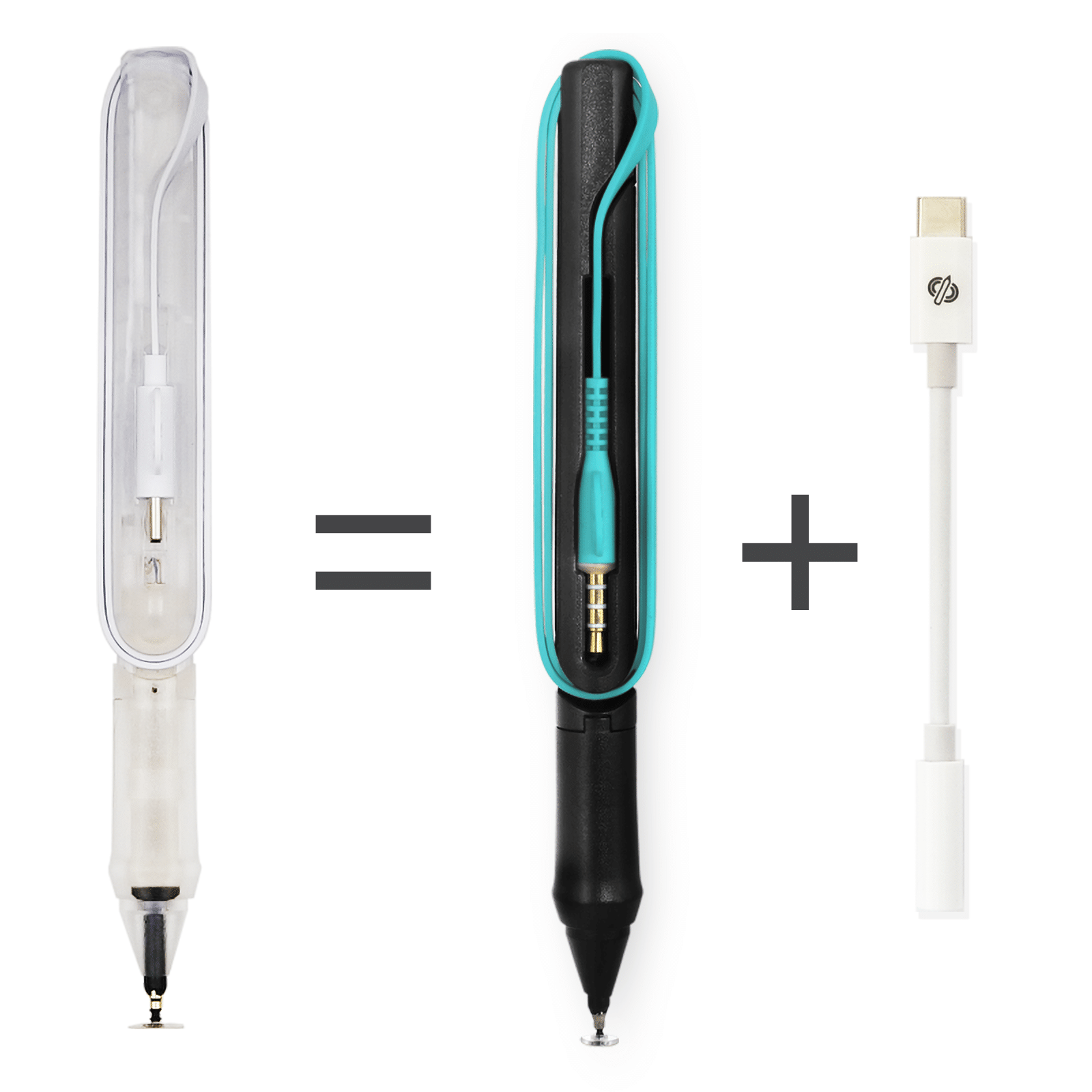
SonarPen (USB C) is a battery-free pressure-sensitive stylus for devices with a USB-C port, including iPad, iPhone 15 and later, Android phones and tablets, Windows PCs and Mac computers. It plugs directly into the USB-C port with no charging or Bluetooth pairing required.
SonarPen (USB C) provides palm or finger rejection. Pressure sensitivity and the customizable shortcut button are available in supported apps and drivers.
- 🩸 Pressure sensitivity in supported apps
- ✋ Palm rejection (finger rejection for Android and Chromebook)
- 🔘 Customizable shortcut button in supported apps
- 🔌 No battery or charging required. No Bluetooth pairing required
- ➰ Direct USB-C connection
- ✅ Replaceable nibs optimized for different platforms
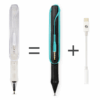
- 💎 Transparent body reveals the internal components and distinctive SonarPen design
Device Compatibility
- iPhone and iPad: iPhone 15 or later and all iPads with a USB-C port
- Android: Phones and tablets with a USB-C port
- Chromebook: Touchscreen Chromebooks with Google Play Store support
- Windows: Windows 10 and 11 notebooks and tablets with a touchscreen or Windows Precision Touchpad. Installation of the free SonarPen Windows driver is required.
- Mac: computers running macOS 11 or later with an internal or external trackpad. Installation of the free SonarPen macOS driver is required.
- Nintendo Switch: Nintendo Switch 2, Nintendo Switch, Nintendo Switch Lite and Nintendo Switch OLED
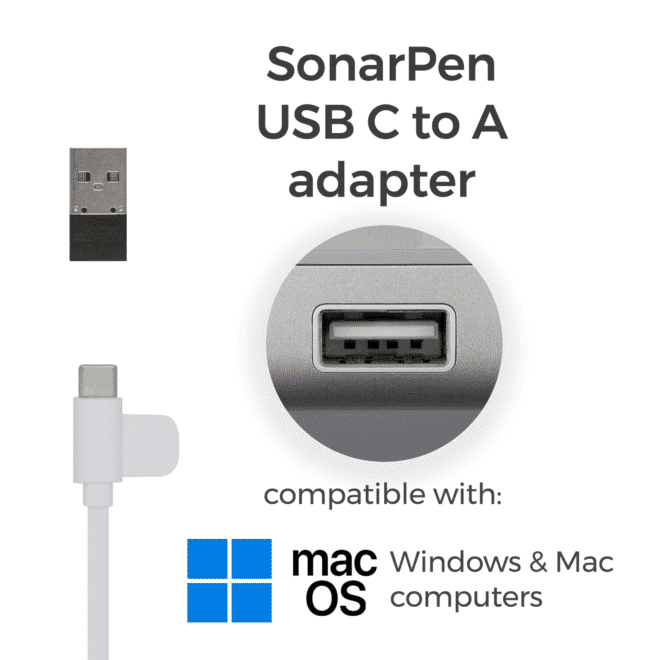
- USB-A PC and Mac: A SonarPen USB-C to USB-A adapter is required
What is included
- SonarPen (USB C) stylus
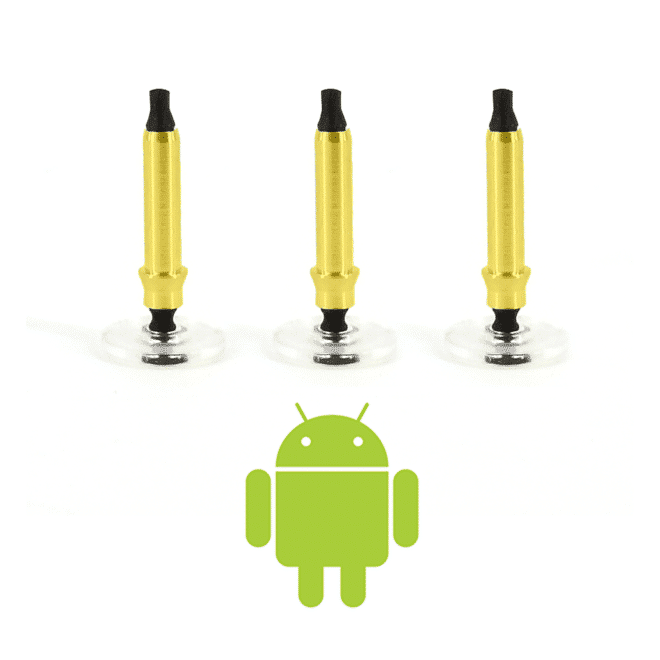
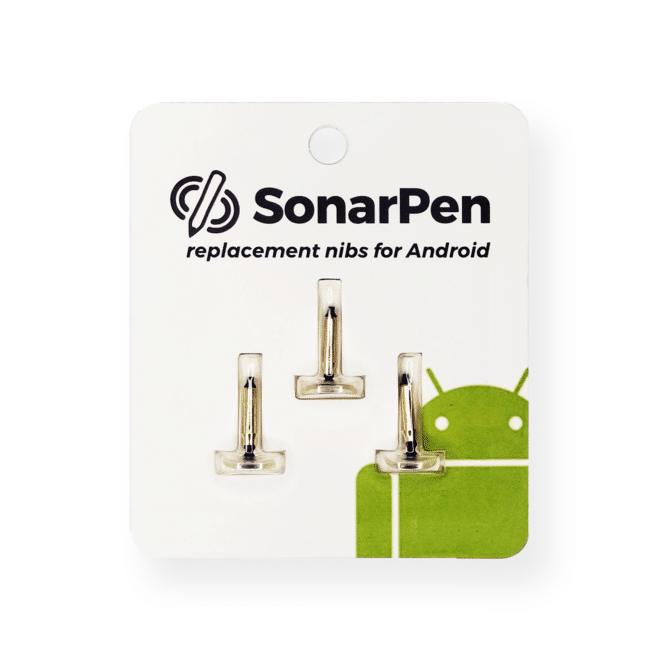
- Installed nib x 1, for Android, Chromebook, Windows, Mac and Nintendo Switch
- Spare nib x 1, for iPhone and iPad
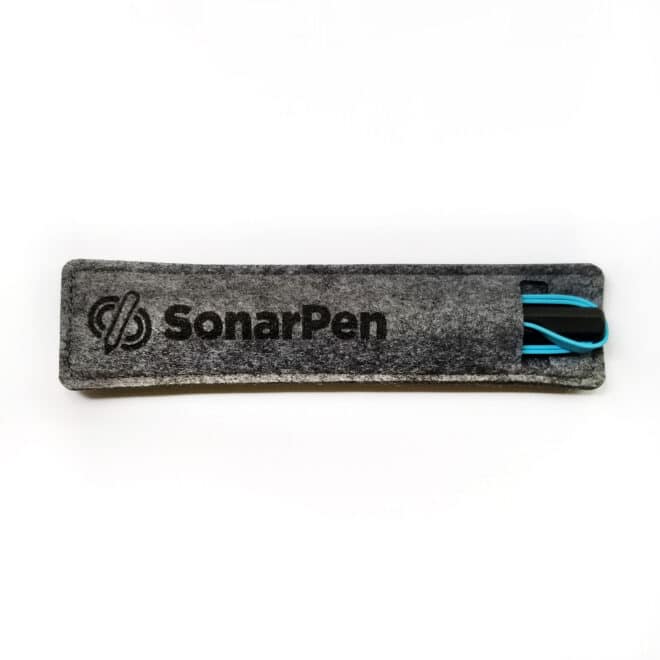
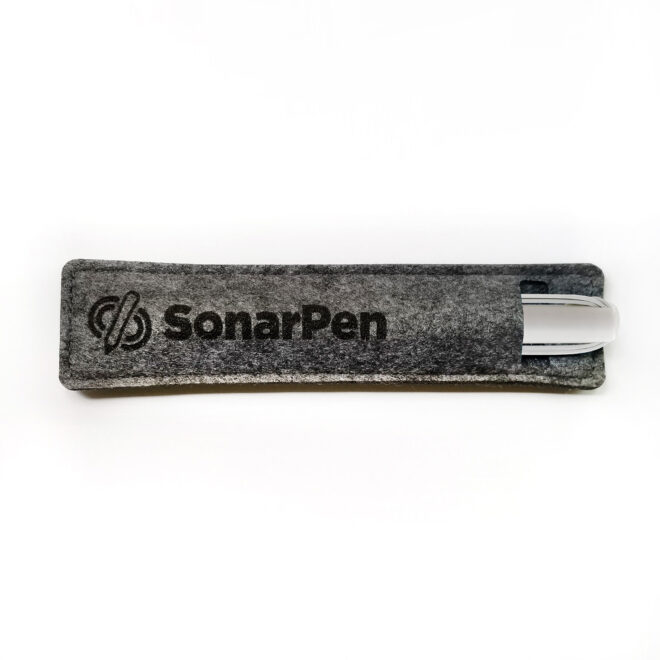
- Pen loop holder
- Instruction sheet
Documents
Additional information
| Weight | 0.10 kg |
|---|---|
| Supporting OS | iOS 8.0+ |
| Connectivity | USB Type-C |
| Cable length | 50 cm |
| Warranty | One-year limited warranty |
| Documents | Manual |
Victoria (verified owner) –
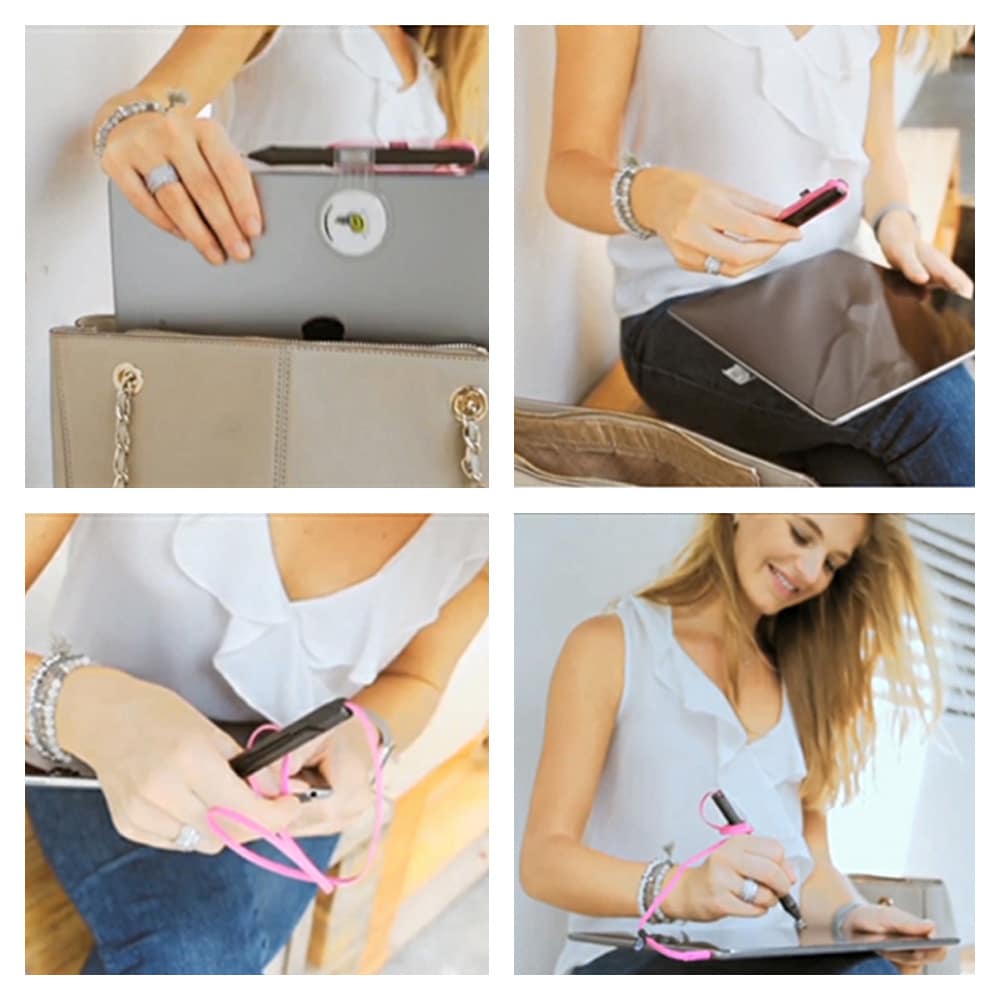
This pen works well on newer android phones like my Nothing Phone (2a). It’s compatible with Ibis Paint X with pressure sensitivity. I’m still new to drawing on my phone as an iPad Pro user with Procreate, and so far the pressure sensitivity works as expected and is perfect for on the go sketching.
Overall, I’m satisfied with my ability to draw on my phone during work breaks. It’s really great if you want to draw in public but aren’t able to bring an iPad, so it fits my exact needs.
This pen is well worth the try if you’re getting started in drawing on your phone, or want to draw on the go without draining you battery from a bluetooth connected stylus. Thank you SonarPen 🙂
Anonymous (verified owner) –
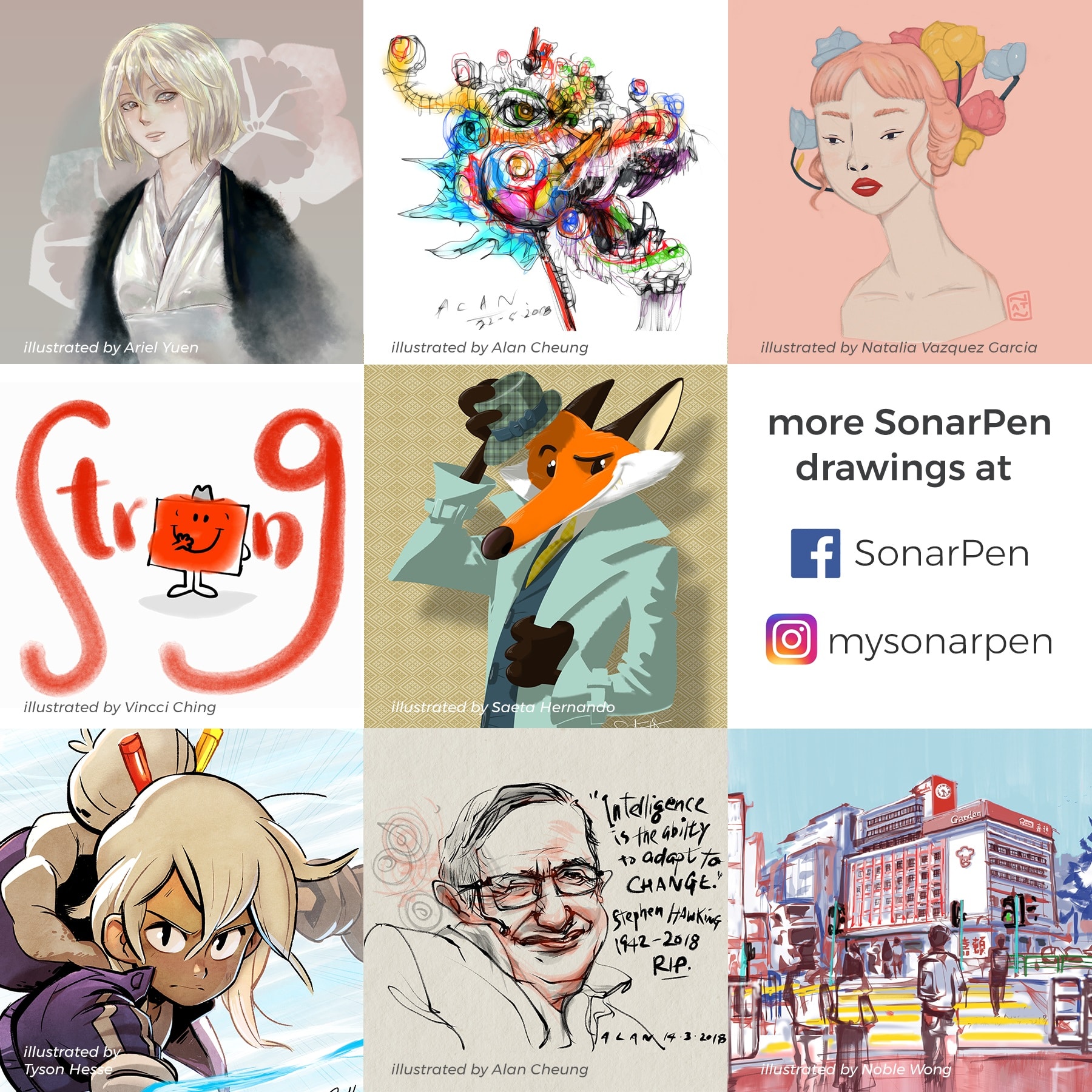
really nice and easy to use!! i’ve wanted something with pressure sensitivity forever, since for a while it’s felt more comfortable drawing on paper and i thought it’d give a similar feeling. and it’s definitely helped! it’s extremely easy to set up on ibis paint, and to adjust to preferences. i use it with my phone and it hasn’t been a hassle at all. i haven’t been using it for long but it’s really great so far! included some little things ive done with it :^o
Steven (verified owner) –
Works great on iPhone even as a simple finger stylus
Chris R. (verified owner) –
Not a fan of the color (transparent) but works relatively well on my Mac trackpad!
Camila haydes (verified owner) –
La verdad es que está bueno pero sigo sin entender la presión con ibis paint
Anonymous (verified owner) –
This pen is really good! As someone who does their art on their phone, this is the only pen that does pen pressure, which is amazing! There is one problem that keeps it from being 5 stars though, which is that it uses some audio technique to make the pressure sensitivity work. That could be expected with the sonarpen that uses the aux jack, but with this one that uses usb-c it’s a little unfortunate that you’re still locked out from using your headphones at all. If I ever want to listen to music while drawing, I just use it without plugging it in, which works fine but that kind of invalidates the appeal of the pen doesn’t it?
Anonymous (verified owner) –
I’m a game programmer who is trying to supplement my asset library with a little bit of my own art, so I have been looking for a pressure sensitive pen that works with my Pixel 5a so that I can make art on the go.
SonarPen is the answer (well, mostly) that I’ve been seeking.
On ibisPaint you have to kind of finagle the settings a little, but with the right combination it feels almost like drawing on paper.
The pen itself is 5 stars, but the software support for it is closer to 3 stars (I don’t know of too many apps outside of ibisPaint that actually support the SonarPen).
Now I just need to learn how to actually draw…
Anonymous (verified owner) –
It was easy to used and beginner friendly. I’m really satisfied using the product as it wasn’t as difficult to set up as I thought. I highly recommend this for beginners and for people who’s willing to a stylus pen for their drawing experience.
Eng Hoe Yap (verified owner) –
SonarPen, when compared to an Apple Pencil for Ipad, of course the Apple Pencil is a fool proof device that works great out of the box. SonarPen is not as straightforward because it’s designed to work across a multitude of devices. You need to get used to it’s behavior, and with some customization, e.g. using the option “weak sensitivity” in Ibis Paint, I find that it works just as good as an Apple Pencil. And, it’s VERY, Very affordable, and it works with my existing android phone. To me, that’s amazing because it means i can use the SonarPen wherever I go. It’s way way more affordable than buying a Samsung Galaxy S24 just for the sake of a phone with a stylus. I hope the SonarPen team keep on improving it, especially adding a protection mechanism for the tip, like a pen cap.
Kapri Durtschi (verified owner) –
Such a fantastic device! I love the versatility and quality of the product. I am also blown away by the customer service. They went far above and beyond expectations when I had troubles with compatability on one of my screens. Worked with me until we figured out the issue. Excellent all around experience, definitely recommend! 11/10
Toskya (verified owner) –
iPad is a Air 4 by the way! Though, It has it moments that sometimes my art software doesn’t detect the pen so no marks, But it’s minor. And I can live by it, though it can also be just my dirty iPad.